opencode
开源 AI 编程 Agent,帮助开发者通过自然语言开展代码修改与软件开发任务。
中文简介经编辑校订 ·
README / 项目原文

The open source AI coding agent.



English | 简体中文 | 繁體中文 | 한국어 | Deutsch | Español | Français | Italiano | Dansk | 日本語 | Polski | Русский | Bosanski | العربية | Norsk | Português (Brasil) | ไทย | Türkçe | Українська | বাংলা | Ελληνικά | Tiếng Việt
Installation
# YOLO
curl -fsSL https://opencode.ai/v2/install | bash

# Package managers
npm i -g @opencode/cli@latest      # or bun/pnpm/yarn
brew install anomalyco/tap/opencode-v2 # macOS and Linux (recommended, always up to date)
brew install opencode              # macOS and Linux (official brew formula, updated less)
sudo pacman -S opencode            # Arch Linux (Stable)
paru -S opencode-beta              # Arch Linux (Latest from AUR)
mise use -g opencode               # Any OS
nix run github:anomalyco/opencode  # Nix
[!TIP] Remove versions older than 0.1.x before installing.
Desktop App (BETA)
OpenCode is also available as a desktop application. Download it from opencode.ai/download.
| Platform | Download |
|---|---|
| macOS (Apple Silicon) | opencode-desktop-mac-arm64.dmg |
| macOS (Intel) | opencode-desktop-mac-x64.dmg |
| Windows | opencode-desktop-win-x64.exe |
| Linux | .deb, .rpm, or .AppImage |
# macOS (Homebrew)
brew install --cask opencode-desktop
Installation Directory
The install script installs OpenCode to $HOME/.opencode/bin.
Agents
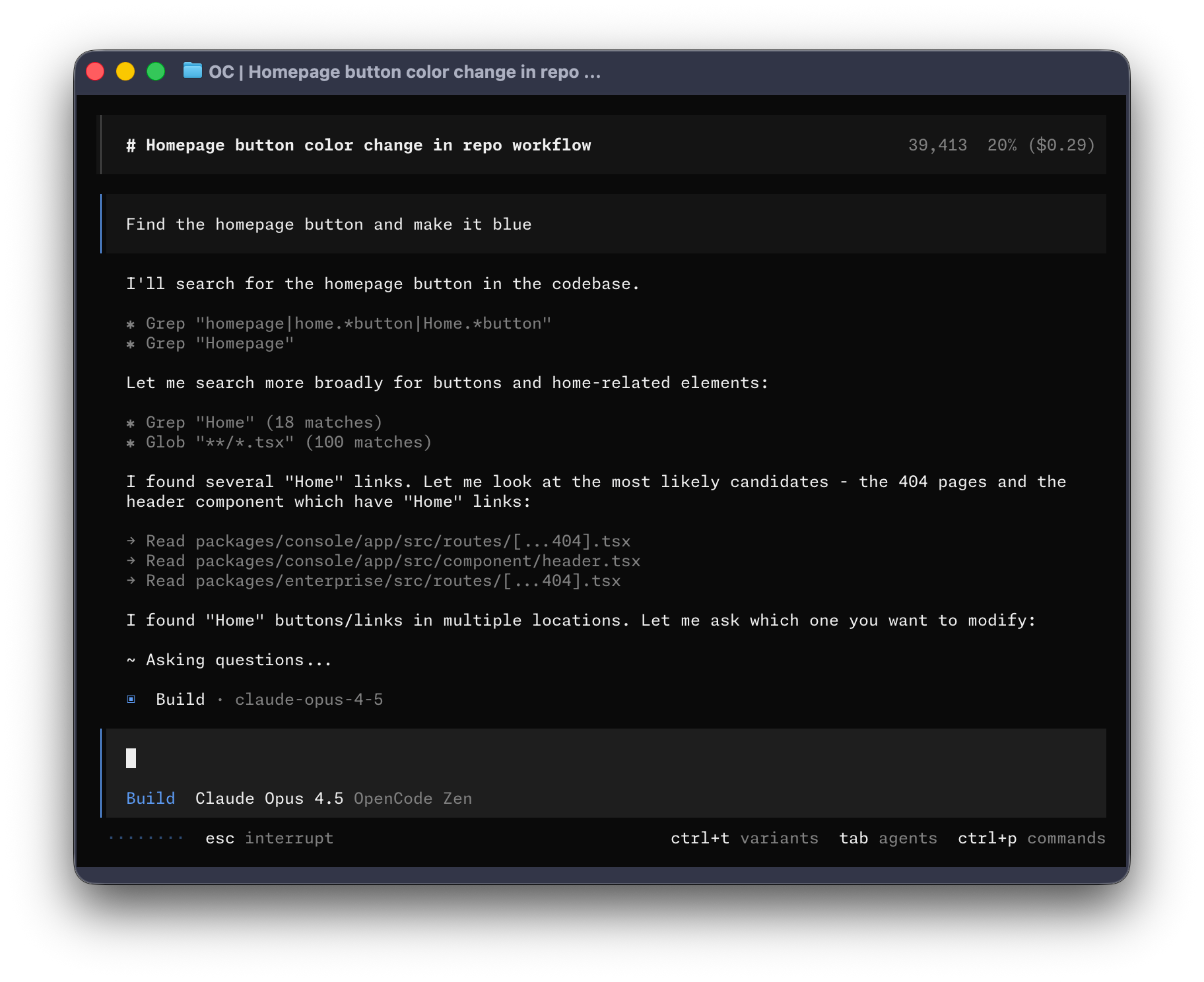
OpenCode includes two built-in agents you can switch between with the Tab key.
- build - Default, full-access agent for development work
- plan - Read-only agent for analysis and code exploration
- Denies file edits by default
- Asks permission before running bash commands
- Ideal for exploring unfamiliar codebases or planning changes
Also included is a general subagent for complex searches and multistep tasks.
This is used internally and can be invoked using @general in messages.
Learn more about agents.
Documentation
For more info on how to configure OpenCode, head over to our docs.
Contributing
If you're interested in contributing to OpenCode, please read our contributing docs before submitting a pull request.
Building on OpenCode
If you are working on a project that's related to OpenCode and is using "opencode" as part of its name, for example "opencode-dashboard" or "opencode-mobile", please add a note to your README to clarify that it is not built by the OpenCode team and is not affiliated with us in any way.
开源的 AI Coding Agent。
English | 简体中文 | 繁體中文 | 한국어 | Deutsch | Español | Français | Italiano | Dansk | 日本語 | Polski | Русский | Bosanski | العربية | Norsk | Português (Brasil) | ไทย | Türkçe | Українська | বাংলা | Ελληνικά | Tiếng Việt
安装
# 直接安装 (YOLO)
curl -fsSL https://opencode.ai/v2/install | bash

# 软件包管理器
npm i -g @opencode/cli@latest      # 也可使用 bun/pnpm/yarn
brew install anomalyco/tap/opencode-v2 # macOS 和 Linux(推荐,始终保持最新)
brew install opencode              # macOS 和 Linux(官方 brew formula,更新频率较低)
sudo pacman -S opencode            # Arch Linux (Stable)
paru -S opencode-beta              # Arch Linux (Latest from AUR)
mise use -g opencode               # 任意系统
nix run github:anomalyco/opencode  # Nix
[!TIP] 安装前请先移除 0.1.x 之前的旧版本。
桌面应用程序 (BETA)
OpenCode 也提供桌面版应用。可从 opencode.ai/download 下载。
| 平台 | 下载文件 |
|---|---|
| macOS (Apple Silicon) | opencode-desktop-mac-arm64.dmg |
| macOS (Intel) | opencode-desktop-mac-x64.dmg |
| Windows | opencode-desktop-win-x64.exe |
| Linux | .deb、.rpm 或 AppImage |
# macOS (Homebrew Cask)
brew install --cask opencode-desktop
安装目录
安装脚本将 OpenCode 安装到 $HOME/.opencode/bin。
Agents
OpenCode 内置两种 Agent,可用 Tab 键快速切换:
- build - 默认模式,具备完整权限,适合开发工作
- plan - 只读模式,适合代码分析与探索
- 默认拒绝修改文件
- 运行 bash 命令前会询问
- 便于探索未知代码库或规划改动
另外还包含一个 general 子 Agent,用于复杂搜索和多步任务,内部使用,也可在消息中输入 @general 调用。
了解更多 Agents 相关信息。
文档
更多配置说明请查看我们的 官方文档。
参与贡献
如有兴趣贡献代码,请在提交 PR 前阅读 贡献指南 (Contributing Docs)。
基于 OpenCode 进行开发
如果你在项目名中使用了 “opencode”(如 “opencode-dashboard” 或 “opencode-mobile”),请在 README 里注明该项目不是 OpenCode 团队官方开发,且不存在隶属关系。