garden-skills
ConardLi's open-source Skills collection, featuring web design, knowledge retrieval, image generation, and more.
中文简介经编辑校订 · agent / claude / gpt-image-2 / rag / skills / web-design
README / 项目原文
Garden Skills
A curated collection of production-ready Agent Skills for Claude Code, Cursor, Codex, and other AI coding agents.
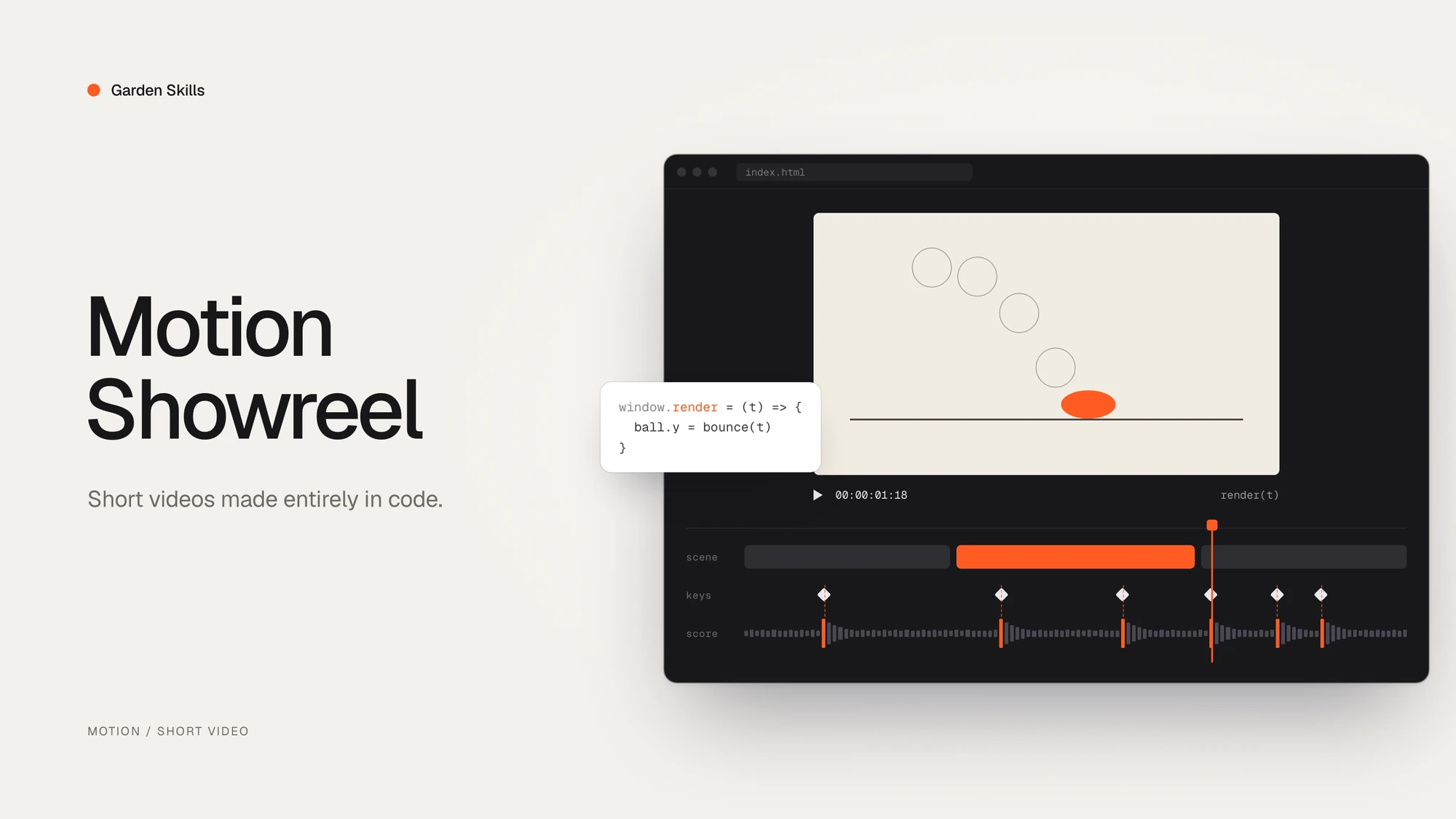
motion-showreel Code-rendered short video |
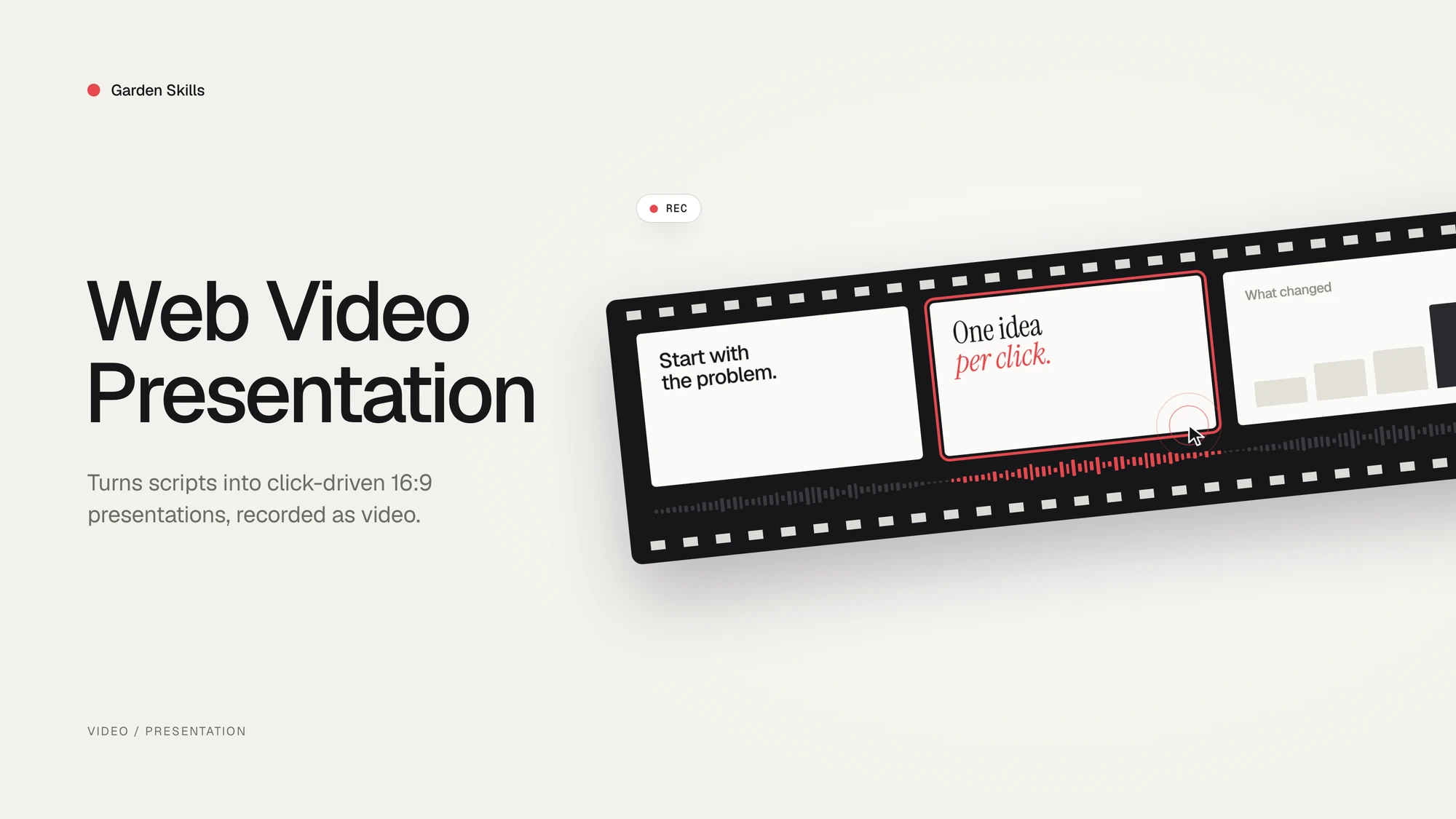
web-video-presentation Web video / presentation |
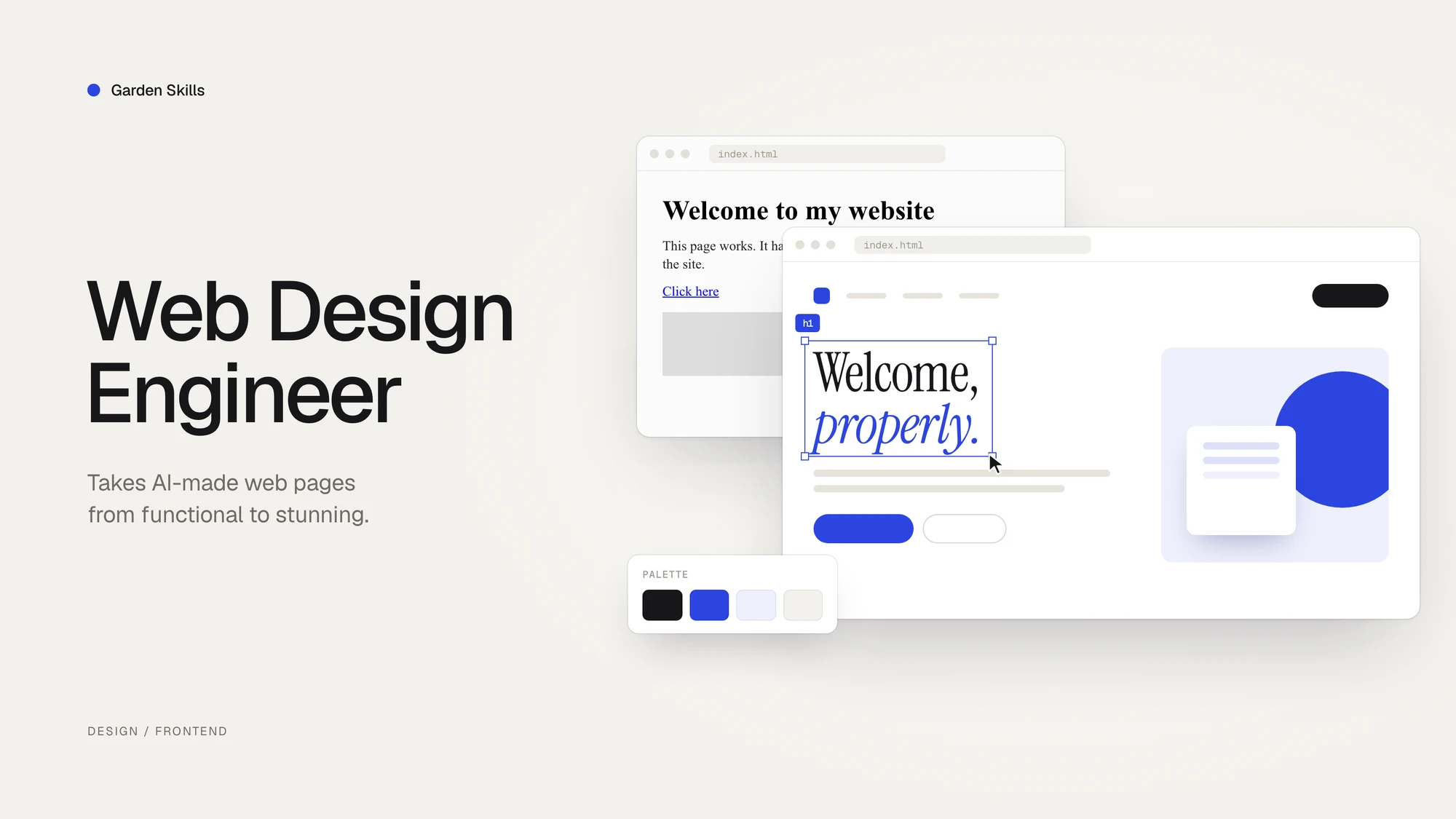
web-design-engineer Design / frontend |
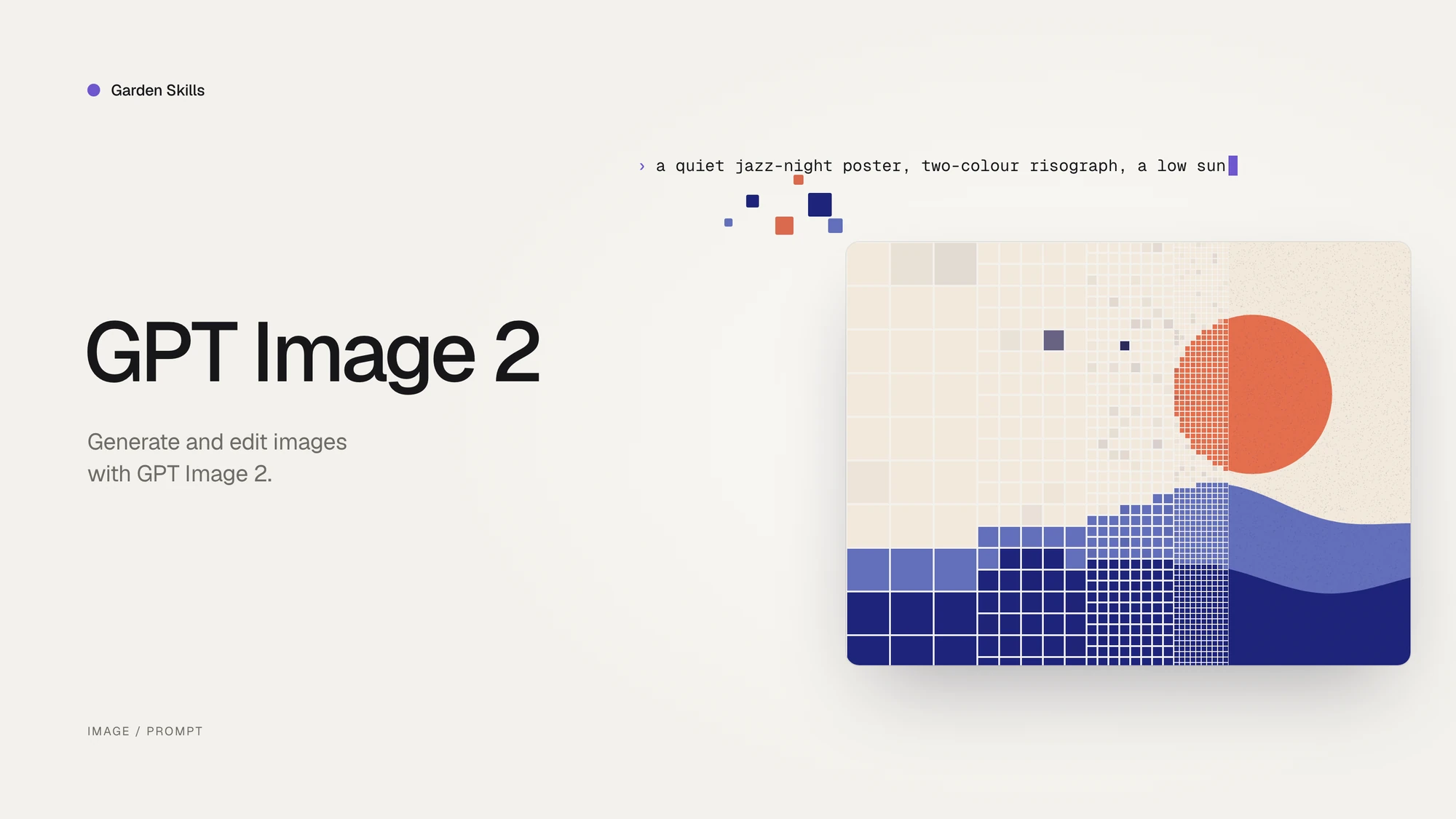
gpt-image-2 Image generation / prompting |
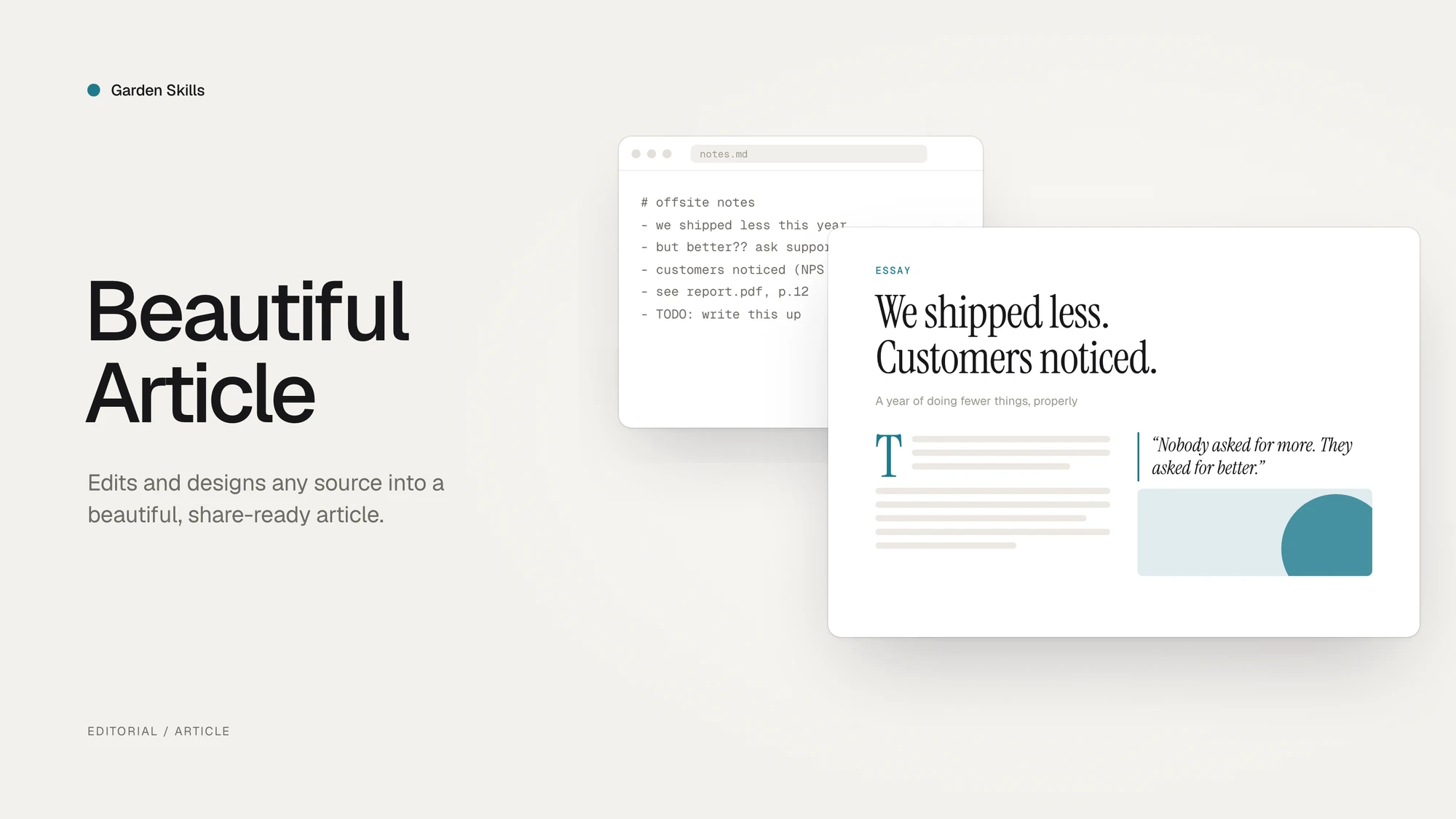
beautiful-article Any source → beautiful article |
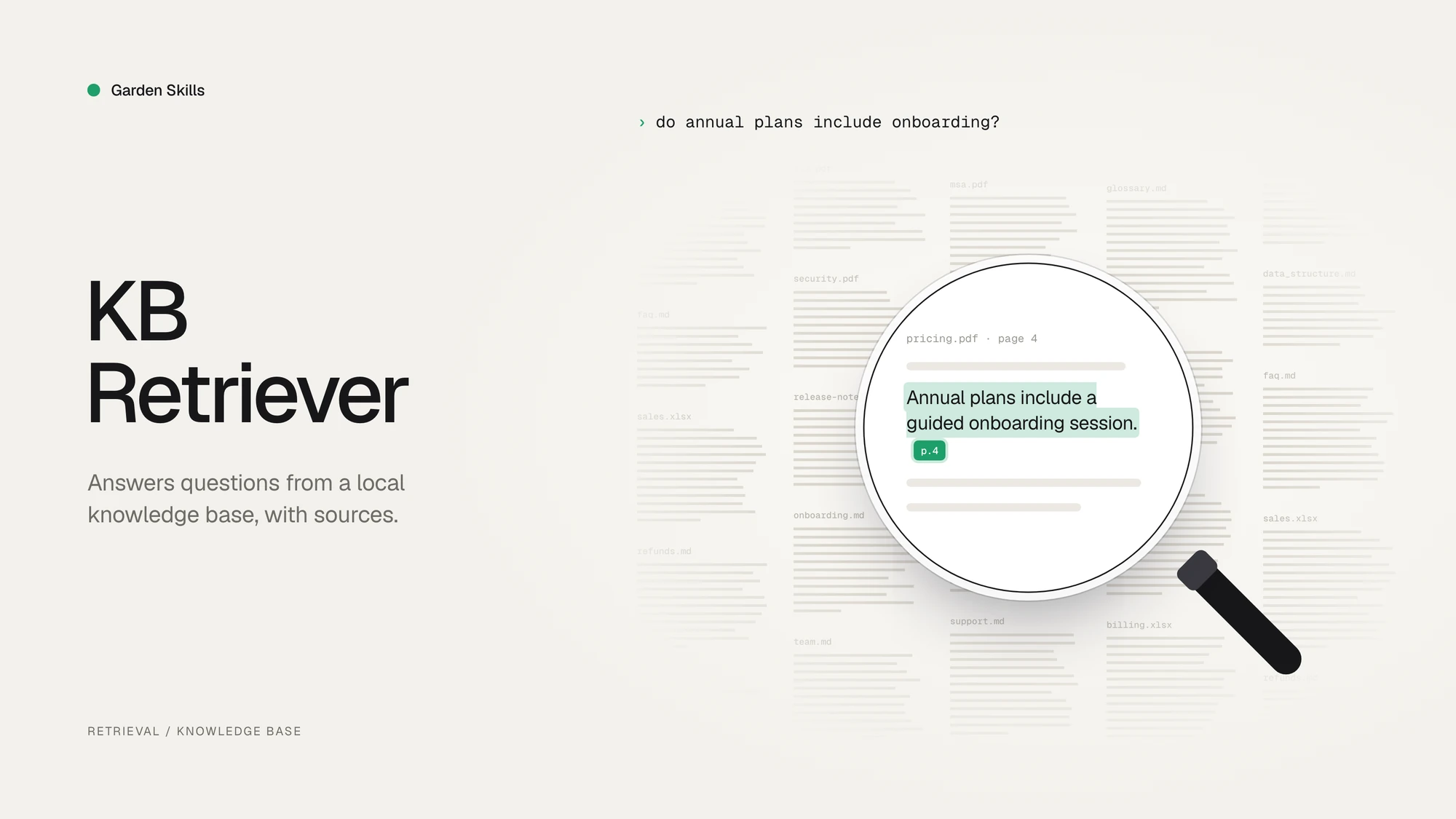
kb-retriever Local knowledge retrieval |


Table of contents
| Install | Use | Contribute |
|---|---|---|
Installskills CLI (npx)Claude Code plugin marketplace Pinned .zip from ReleasesManual copy Git submodule |
Compatibility What is a Skill? |
Contributing Acknowledgments License |
motion-showreel
Category: Motion Graphics / Code Video
Best for: showreels, product films, UI motion, kinetic typography, logo/title sequences, generative loops, retrospectives and narrated explainers. Short pieces typically run 5–60 s; chapter-based films support up to 20 minutes.
motion-showreel delivers MP4 plus editable source. It confirms the topic, duration, orientation, independent music/SFX sources and narration mode, then writes a brief and confirms style frames. Deterministic render(t) pages are captured frame by frame on a shared audio/picture timeline. Narration follows a user-supplied script or recording; pictures follow actual speech timings. Long films use persistent chapter caches and technical acceptance.
Highlights:
- Deterministic
render(t)pipeline: stills, contact sheets, three-direction boards, proxies and masters all come from the same page. Motion blur, supersampling and film grain are render flags. - One timeline for picture and sound: cuts, hits and SFX share the same numbers. Music can be synthesized (a zero-dependency built-in synth, or Tone.js with a sampled piano), or cut to the user's own track with beat and drop detection.
- A 43-style library as a starting point: swiss-editorial, ink-wash, risograph, synthwave, soft 3D, cinematic title, pixel game, comic panels, guochao patterns, painterly strokes, whiteboard explainers, concept morphs, illuminated manuscripts and more. Each style defines its look, motion, camera grammar and sound palette, and can be adapted, mixed or replaced with your own.
- A sound direction, not a default song: the brief sets a sound benchmark, groove, harmony, palette and dramatic arc, plus a list of audio defaults to avoid.
- Two checkpoints: confirm requirements, then style frames (three distinct directions when unspecified), followed by autonomous production. Creative freedom remains available.
- Narration and long films: Gemini/MiniMax TTS reads only user-supplied scripts; recordings use real timestamps. Music and SFX have independent sources, yield to speech, and chapter builds support up to 20 minutes.
- Technical acceptance kept separate from taste: size, fps, duration, frame count, black frames, loudness, true peak, loop seam and determinism must all PASS. Review notes go to the user, who makes the final call.
 synthwave-neonalbum title |
 soft-3d-toychain reaction |
 stick inkgame trailer |
 cinematic-titlefilm opening |
↑ 4-second excerpts of pieces made with the skill. Open the showcase for the full set, including the skill's own 80-second trailer and the style gallery.
Links: README · SKILL.md · Download v0.1.0 .zip
web-video-presentation
Category: Web Video / Presentation Engineering
Best for: turning scripts, articles, lessons, product demos, and talks into click-driven 16:9 web presentations that can be screen-recorded as cinematic videos.
web-video-presentation builds record-ready Vite + React + TypeScript presentations that behave like video production surfaces. The workflow turns raw articles into narration scripts, maps script beats to full-screen scenes, pauses at required checkpoints, and can optionally synthesize narration audio after the visual outline is approved.
Highlights:
- Fixed 1920×1080 stage that scales to the viewport for stable screen recording
- Click / keyboard driven
(chapter, step)cursor, with one narration beat per visual step - Hard collaboration checkpoints for script, theme, outline, implementation mode, and optional audio
- Hidden hover-only progress controls so the stage stays clean while recording
- Theme-token architecture with 23 built-in themes, each with its own design signature — editorial, terminal, engineering, Swiss International, and more
- Pluggable TTS — provider-agnostic audio runner; ships two built-in providers (MiniMax
mmx-cli+ OpenAI TTS via curl) plus a contract + ready-to-paste snippets for ElevenLabs / edge-tts / Azure / Google Cloud / macOSsay - Scaffolded Vite + React + TypeScript project with reusable stage primitives and recording guidance
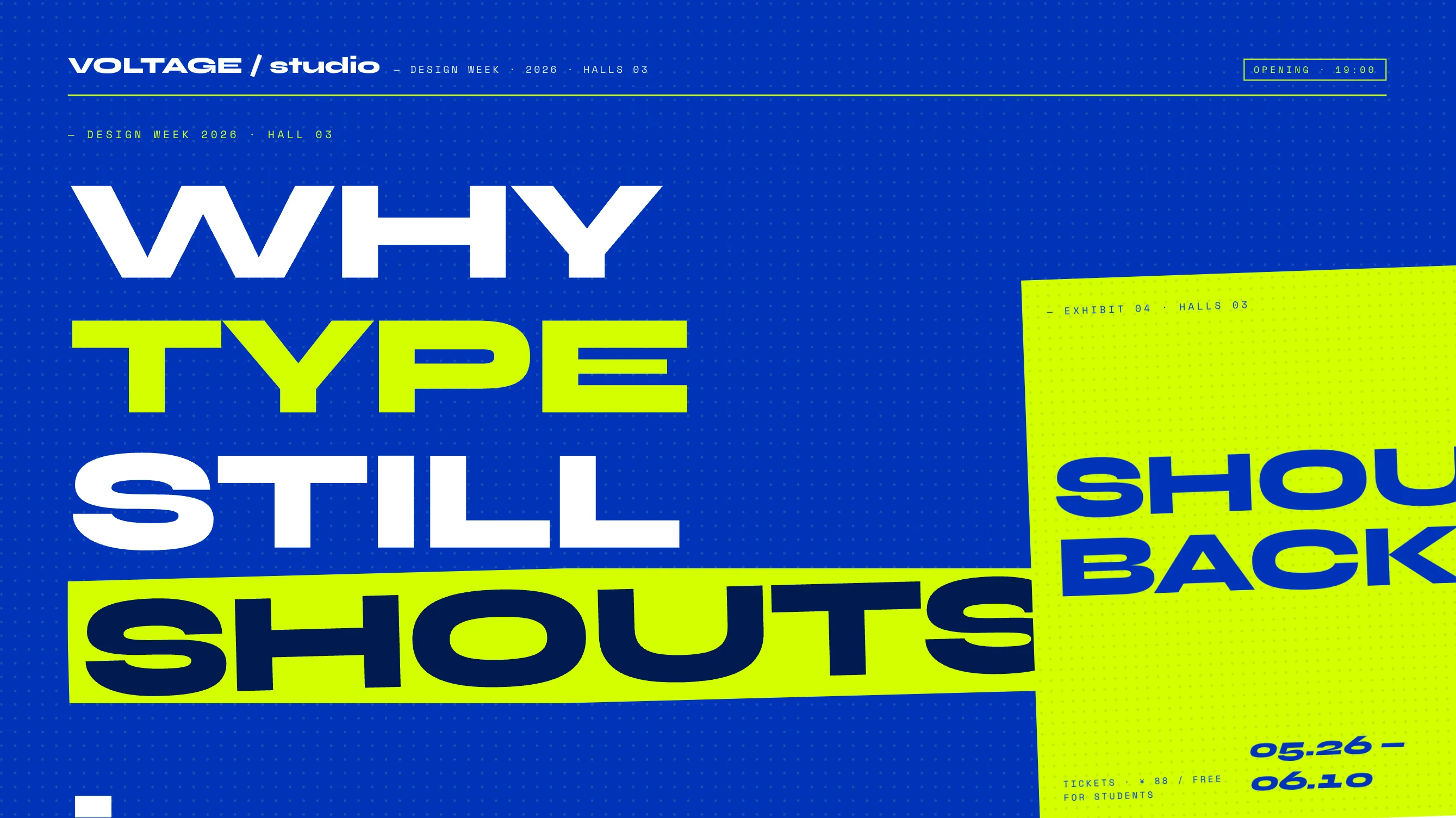 creative-voltagecreative talks |
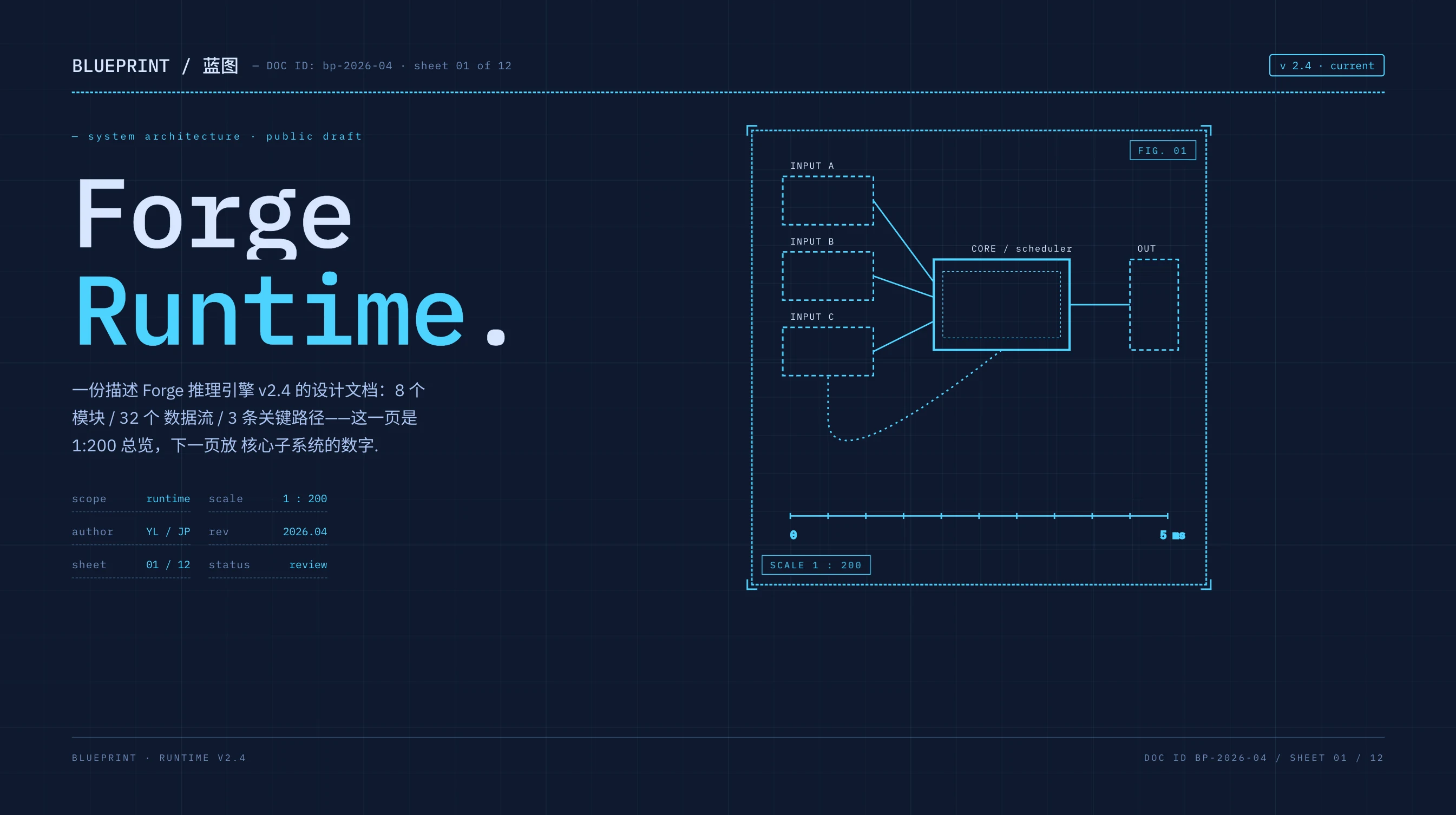 blueprinttech architecture |
 swiss-ikbdata reports |
 chalk-gardenpopular science |
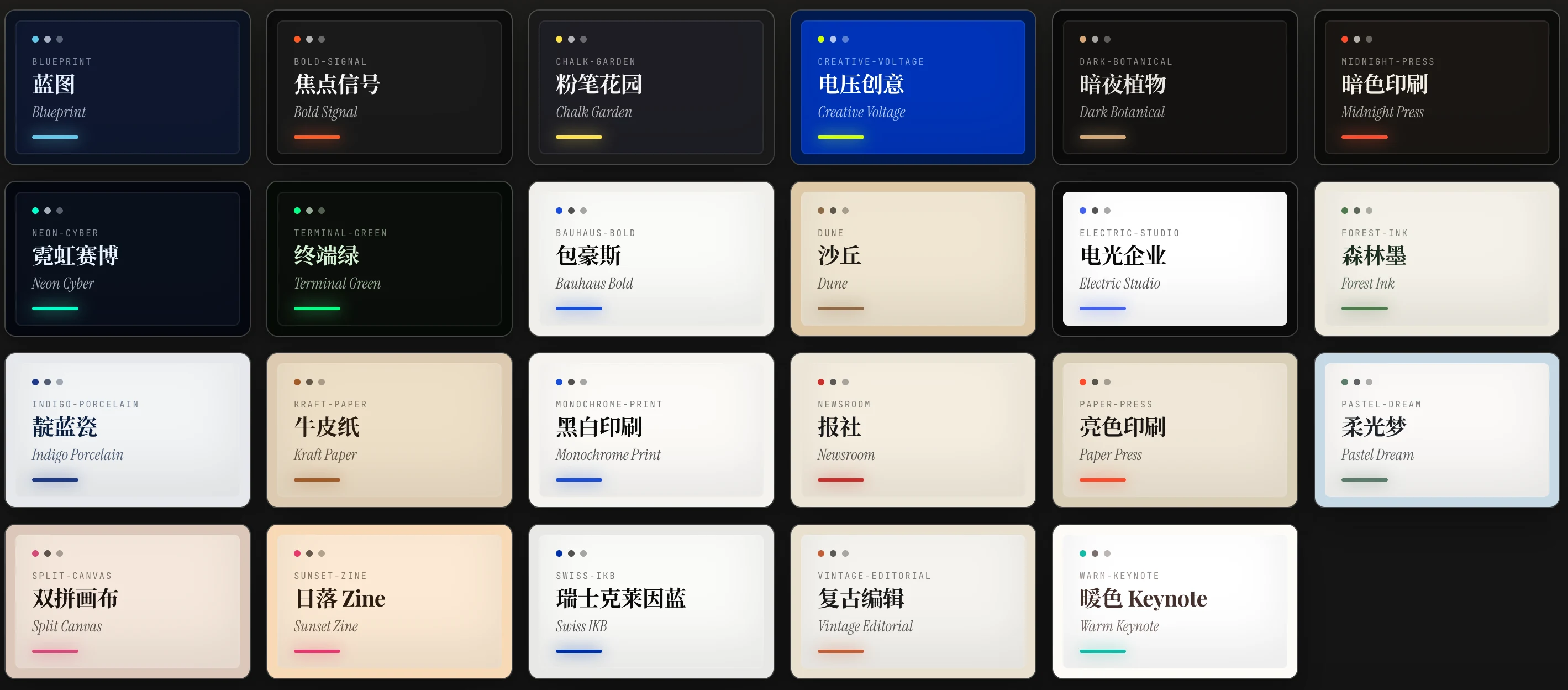
↑ All 23 themes at a glance — open the full gallery for live 16:9 previews, design signatures, and best-for tags.
Links: README · SKILL.md · Download v1.2.2 .zip
web-design-engineer
Category: Design / Frontend
Best for: web pages, landing pages, dashboards, interactive prototypes, HTML slide decks, animations, UI mockups, data visualizations, and design-system explorations.
web-design-engineer turns AI-generated web artifacts from merely functional into polished, deliberate, and visually memorable front-end work. It treats the agent as a design engineer: first understanding product context, then declaring a design system, showing an early v0, building the full experience, and verifying the result.
Highlights:
- Converts the brief into a five-dial Design Read covering variance, motion, density, asset dependence, and brand fidelity
- Distinguishes extension, preserve, and overhaul redesign modes before changing an existing product
- Runs executable browser acceptance only when the user explicitly requests acceptance, QA, or browser testing
- Pushes beyond generic AI UI patterns with an anti-cliché blocklist and stronger visual judgment
- Ships a Design Direction Advisor (six differentiated schools) + 25 anchored style recipes (Linear / Aesop / Pentagram / Bloomberg / Stripe Press / Mid-Century, etc.) — each recipe carries concrete palette, typography, signature moves, and anti-patterns ready to paste into the design-system declaration
- Covers HTML / CSS / JavaScript / React prototypes, with guidance for responsive layout, motion, and interaction polish
- Includes practical implementation rules for inline React + Babel, CSS tokens,
oklch()color work, container queries, and reduced-motion handling - Ships an advanced patterns reference for device frames, slide engines, animation timelines, dashboards, and other reusable web artifacts
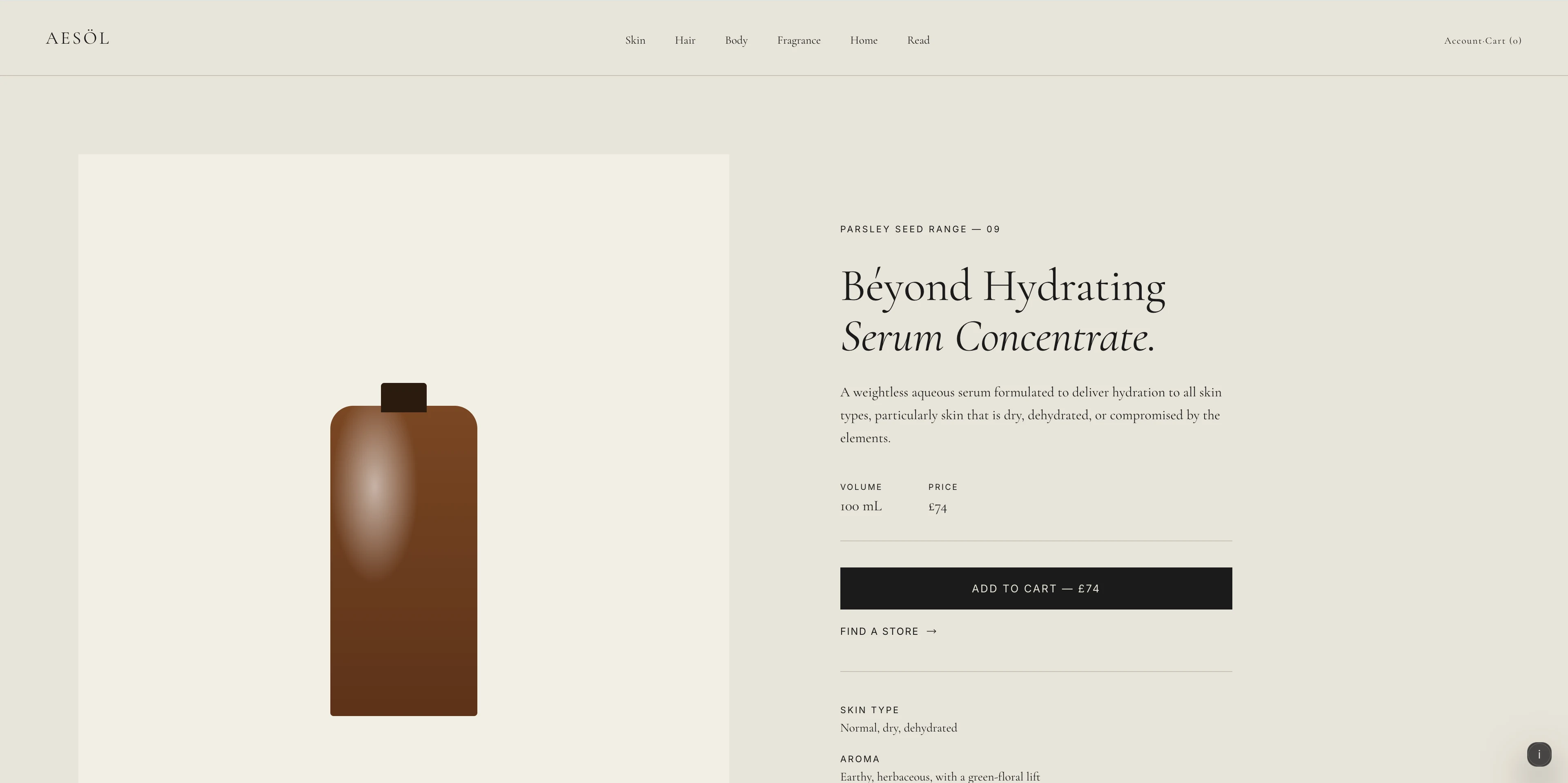 aesopapothecary pages |
 muji-kenya-haraobject catalogues |
 monocle-magazinemagazine contents |
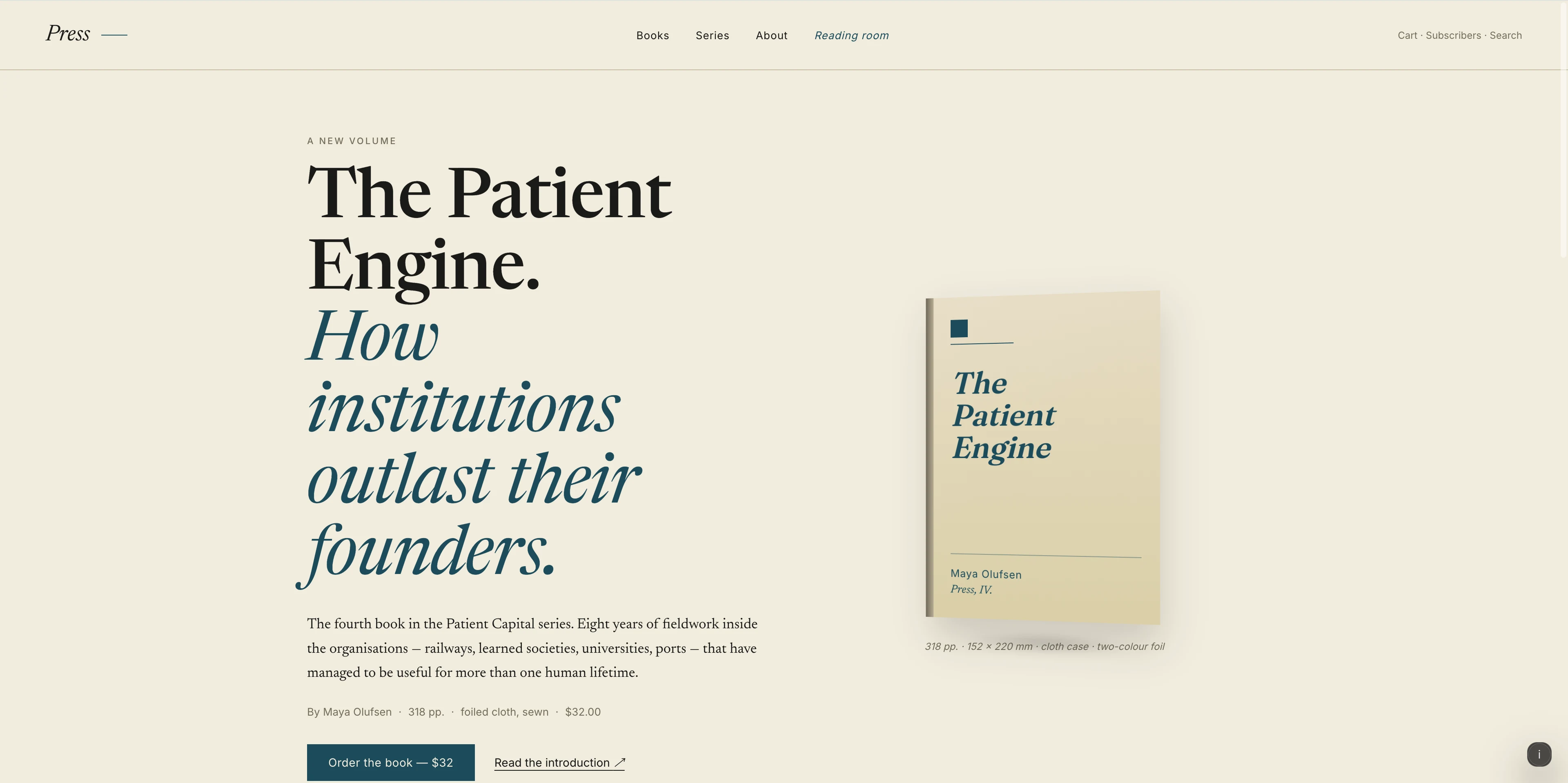 stripe-pressbook detail |
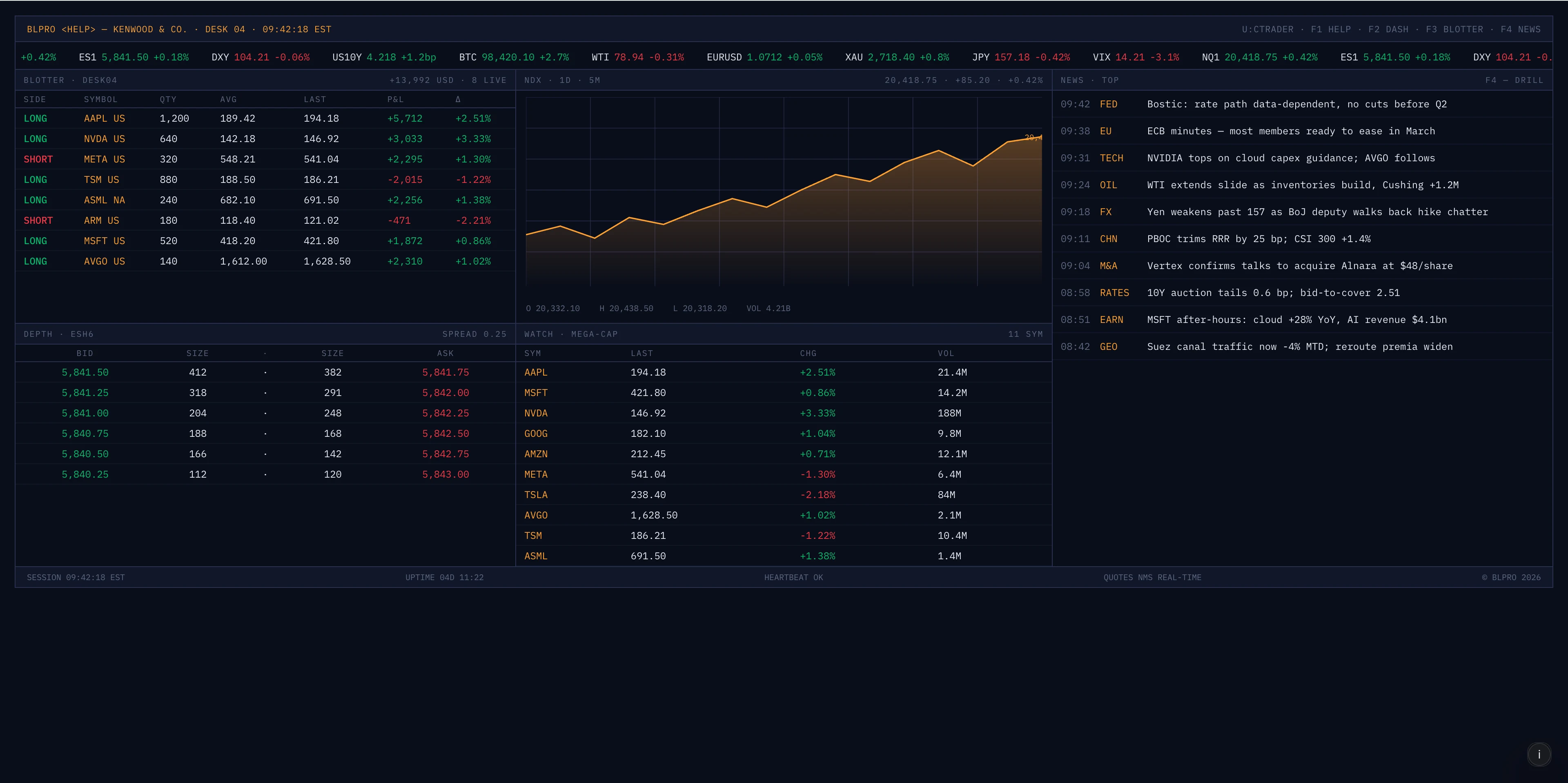 bloomberg-terminaltrading dashboards |
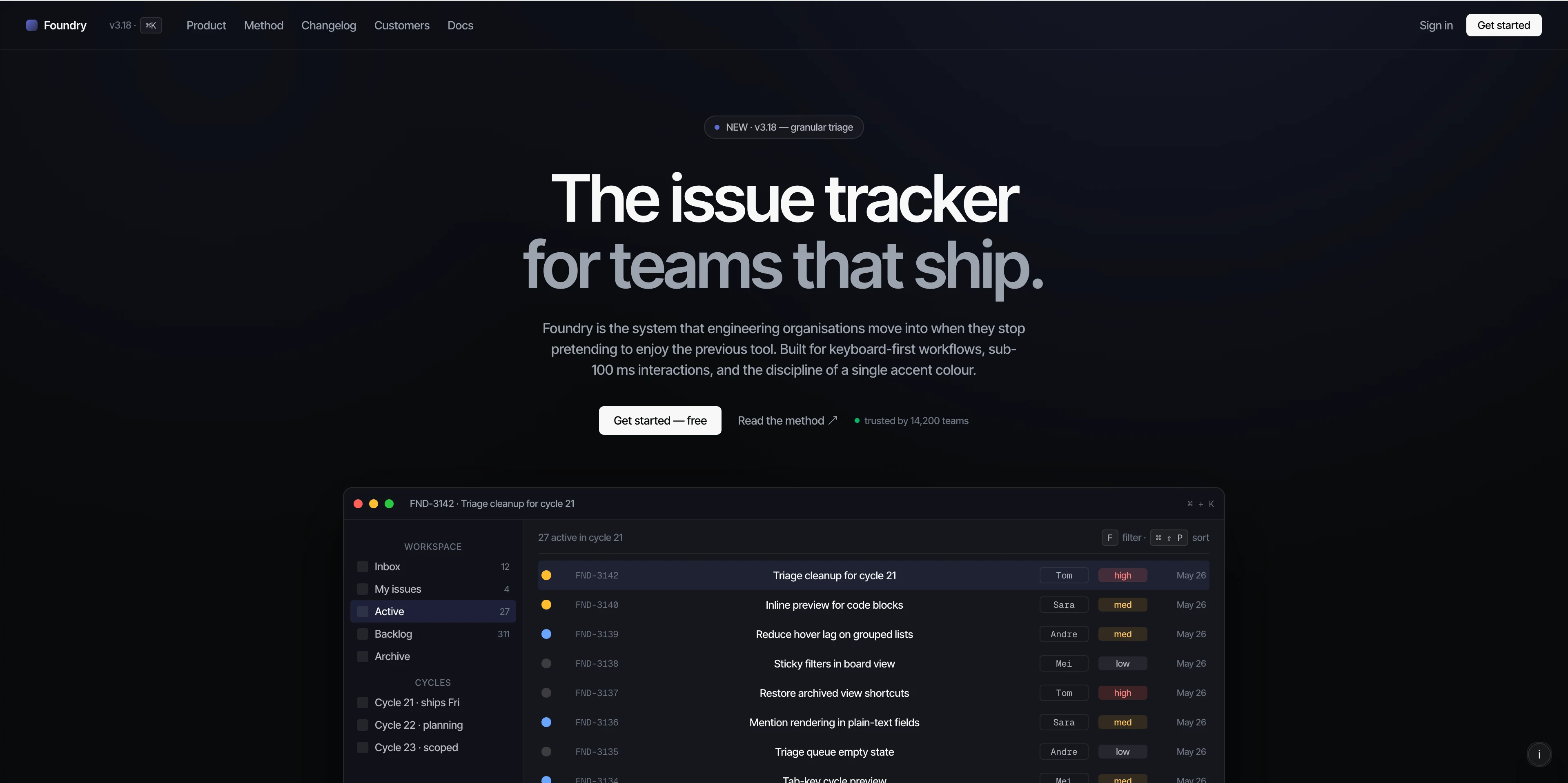 lineardev tool landing |
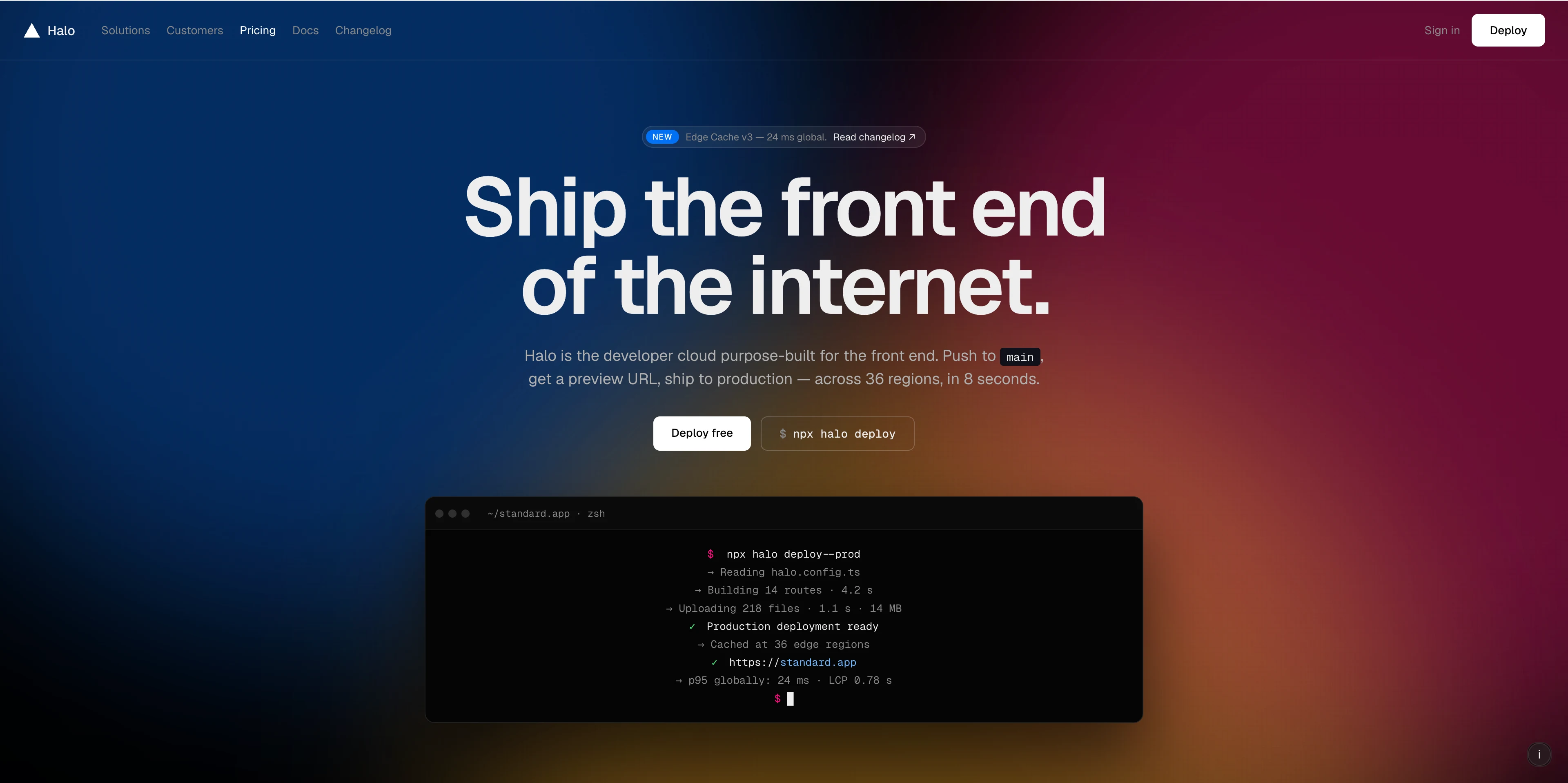 vercel-meshdeploy hero |
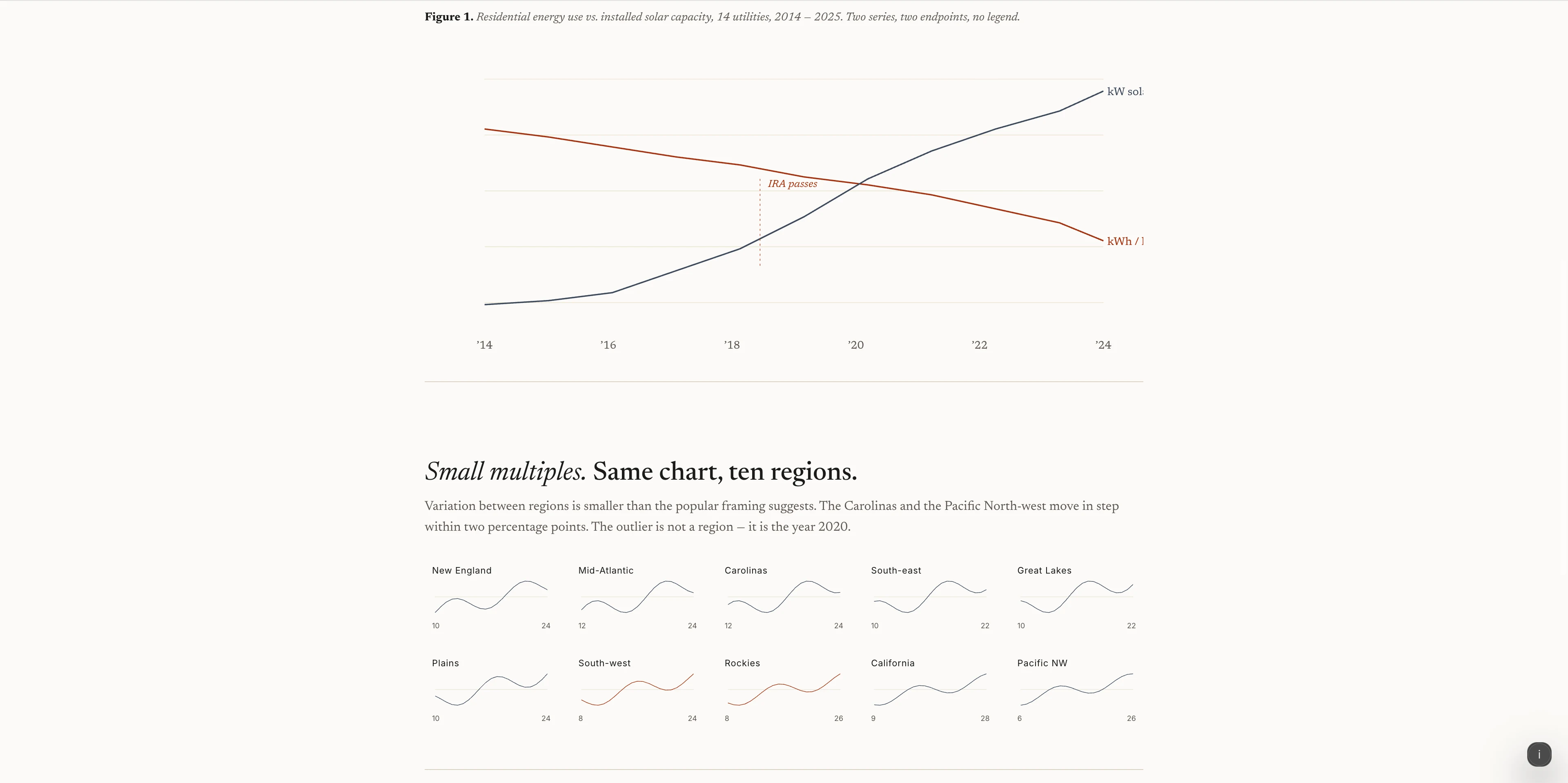 tufte-datainkdata narratives |
 mid-century-modernposter homage |
 y2k-retrofuturismY2K portal |
 businessweek-turleyeditorial covers |
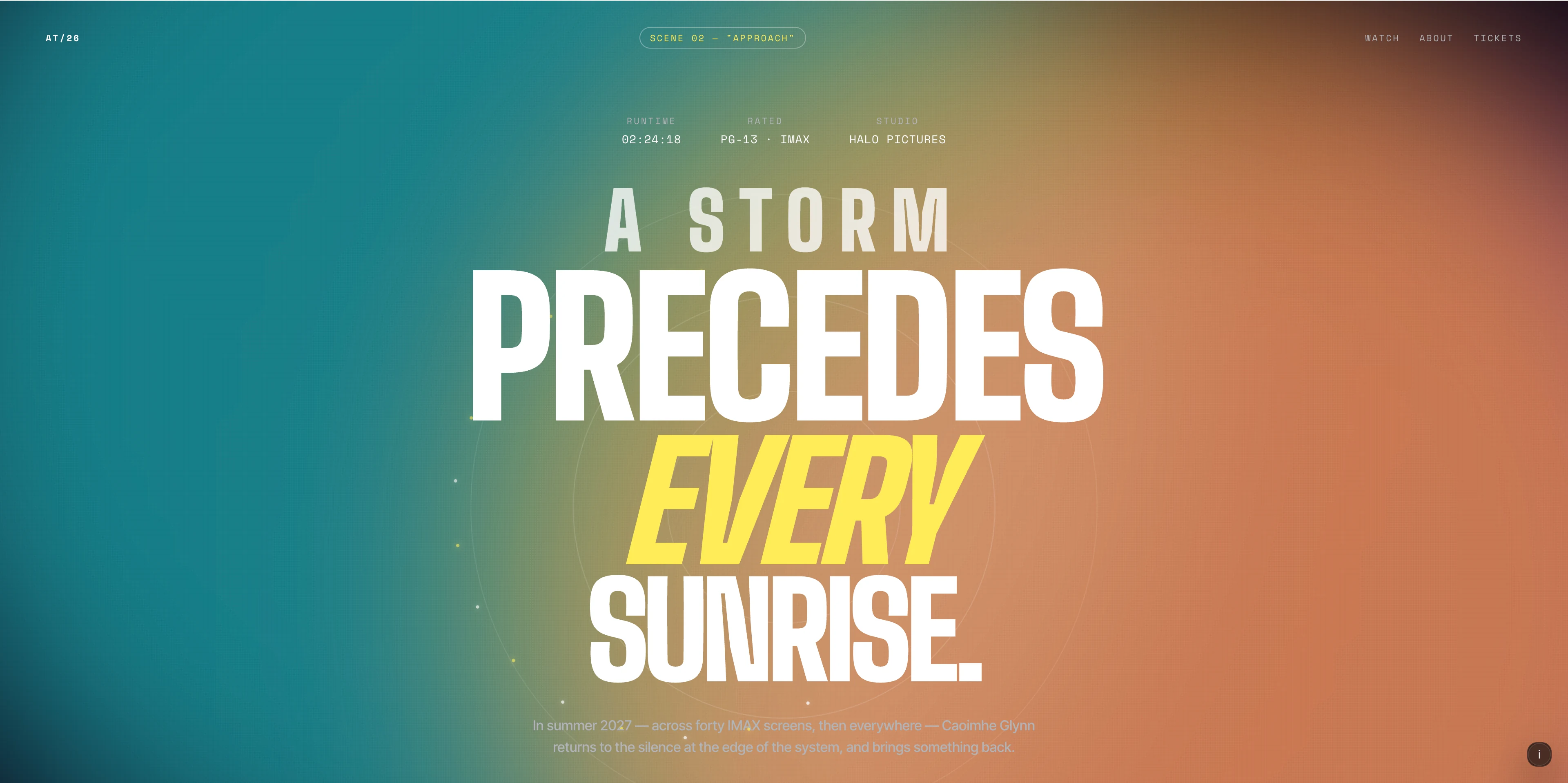 active-theorycinematic launch |
↑ 12 of 25 anchored recipes — open the full gallery for all 25 working artefacts (apothecary pages, trading workstations, magazine covers, Y2K portals, mid-century posters …) with signature moves and best-for tags.
Links: README · SKILL.md · Website · Demo · Download v1.3.0 .zip
gpt-image-2
Category: Image Generation / Prompt Engineering
Best for: posters, UI mockups, product visuals, infographics, academic figures, technical diagrams, comics, avatars, storyboards, branding boards, and image-editing workflows.
gpt-image-2 is a focused image-generation skill for GPT Image 2 and OpenAI-compatible image APIs. It is designed to work across different agent environments: fully local Garden generation, host-native image-tool delegation, or prompt-only advisor mode when no image tool is available.
Highlights:
- Supports three runtime modes: Mode A Garden local, Mode B host-native delegation, and Mode C advisor-only prompt writing
- Starts every task with mode detection so the skill does not silently choose the wrong execution path
- Provides 18 visual categories and 79 structured prompt templates under
references/ - Covers both image generation and image editing through dedicated workflows and scripts
- Saves prompts and generated images under
garden-gpt-image-2/in Garden mode for reuse, review, and versioning
Selected live cases
 background-replacementPortrait edit with Times Square relighting. |
 chat-interface-sceneClaude-style assistant product screenshot. |
 live-commerce-uiCelebrity livestream commerce interface. |
 product-card-overlaySkincare landing-page hero. |
 bento-grid-infographicHigh-density iPhone 16 Pro explainer. |
 system-architectureMulti-tenant AI SaaS production diagram. |
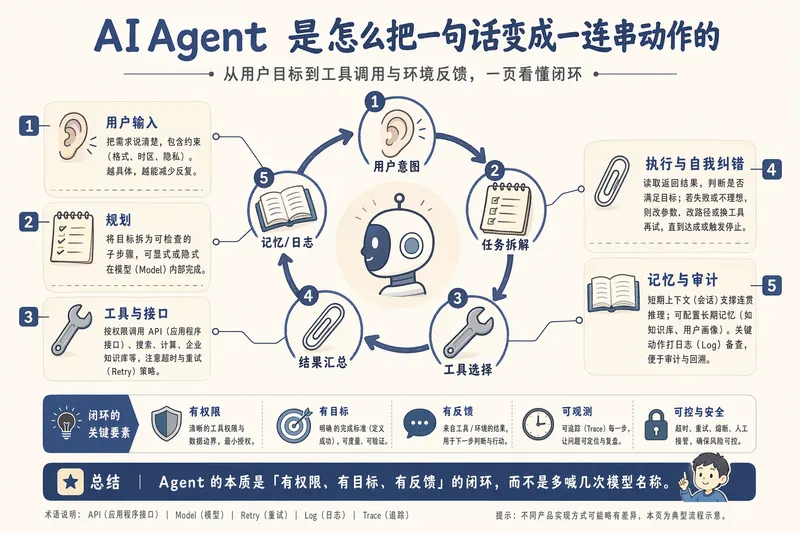 dense-explainer-slidesAI Agent mechanism in one page. |
 food-mapCity-walk editorial food guide. |
 exploded-view-posterVision Pro 2 optical and compute teardown. |
 neural-network-architectureViT-B/16 model figure for papers. |
 cosmetic-packagingPremium skincare gift-box composition. |
 anime-key-visualGame-launch key art with crop-safe layout. |
↑ 12 selected cases from the 160+ public case library — open the skill gallery for more templates, or browse the live website.
Links: README · SKILL.md · Website · Download v1.0.4 .zip
beautiful-article
Category: Editorial · Any source → beautiful article
Best for: turning URLs, PDFs, DOCX, Markdown, plain text, screenshots, and pasted notes into a polished, share-ready article — long-form, briefings, explainers, tutorials, post-mortems, visual essays, dialogue transcripts.
beautiful-article is an editorial harness skill: it does not just "make a webpage", it edits and designs the source material into a polished article that is easier to read, share, and archive than the original. The skill flows through a small source → plan → double-confirmation → build → final review → repair loop and pauses at three hard checkpoints so the user keeps editorial control over article type, theme, layout, image strategy, cover, and delivery format.
Highlights:
- Article first — the focus is the article: better reading, better pacing, better aesthetics. Delivery is a self-contained file (HTML, optional PDF), but that's a delivery detail, not the goal
- Reacticle component protocol — prose-first semantic components (Hero / Lead / Section / Quote / Callout / Image / Formula / CodeBlock / Table…) plus a theme-token-only
Rawfree layer; the underlying React library lives atConardLi/reacticle - 10 article types with bundled retention ratios —
longform · ~100%/tutorial · ~90%/full-report · ~80%/explainer · ~80%/dialogue · ~80%/review · ~70%/essay · ~70%/briefing · ~50%/visual-essay · ~40%/interactive-explainer · ~25% excerpt + 75% AI-rebuild - 11 authoring theme profiles (
tufte,press,bayer,bodoni,vignelli,sottsass,freddie,andy,fuller,knuth,shannon) — each is a Markdown contract for the agent rather than a CSS file - Hard collaboration checkpoints with item-by-item decision capture (no silent defaults), plus a 3:4 book-style cover, default-on TOC, and language-aware translation step
- Per-node quality protocol — main-agent inline checks for plan, sub-agent reviewers for first spread / sections / final review, repair as minimal slices
Theme gallery
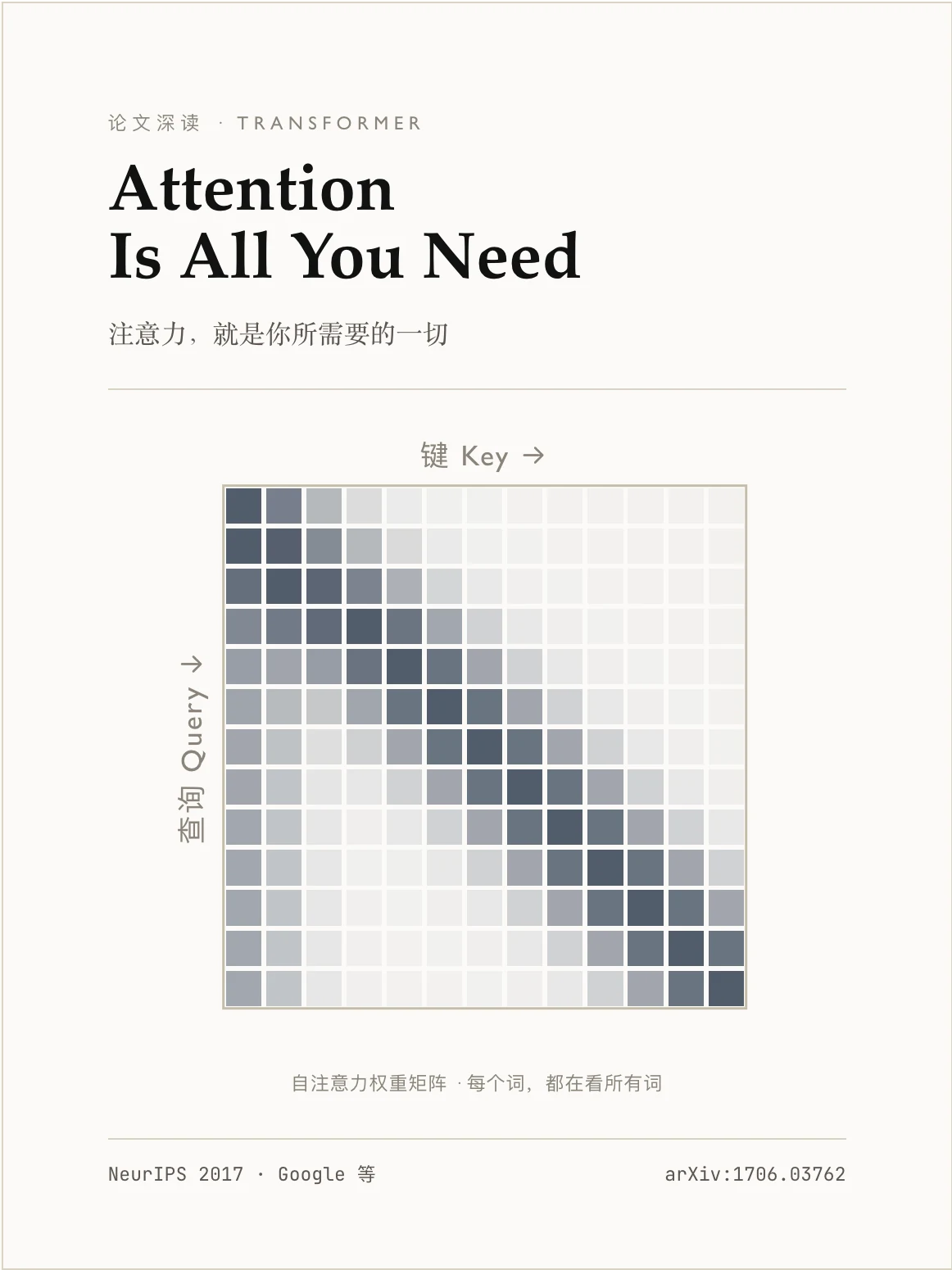 tufte |
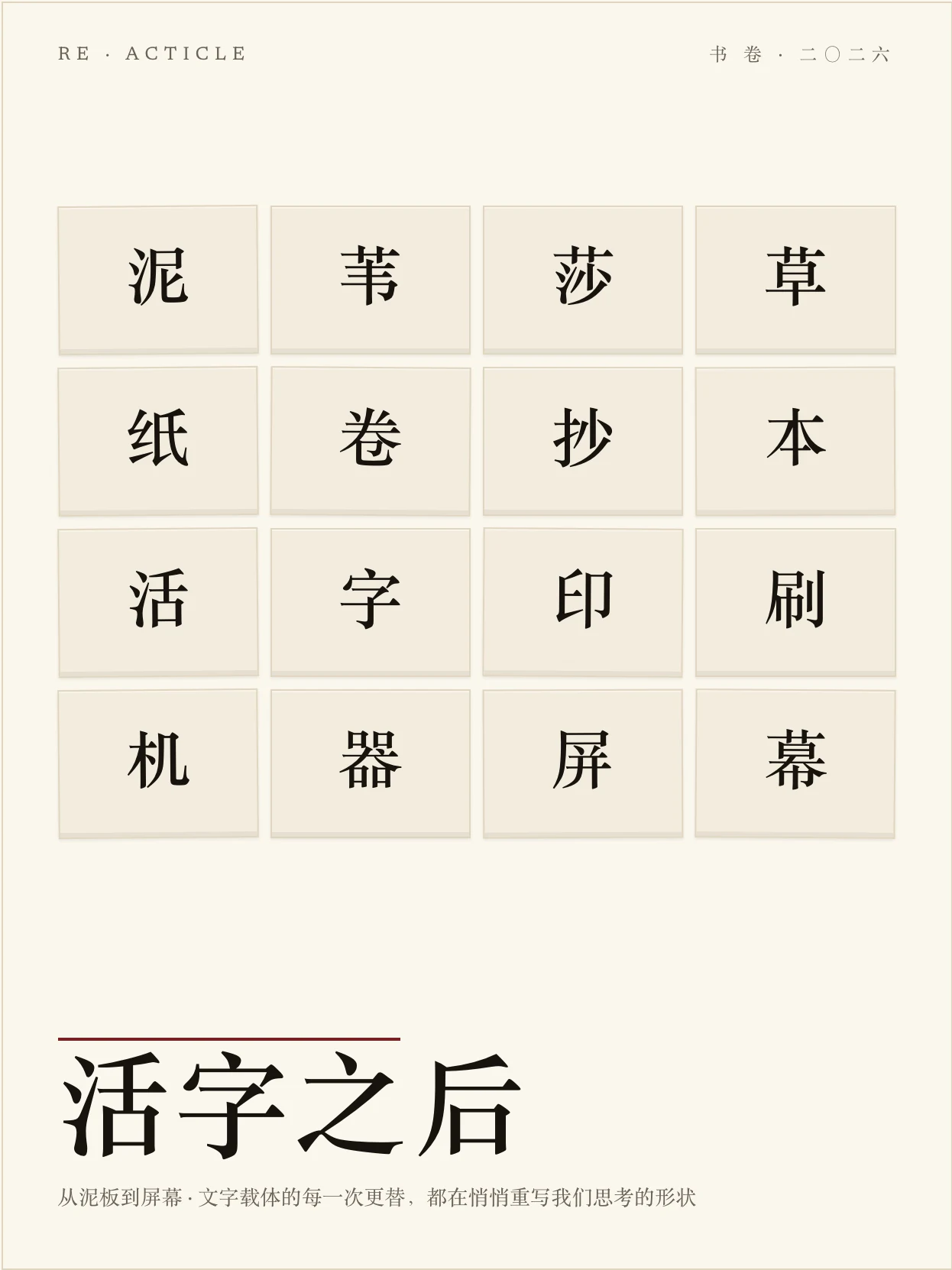 press |
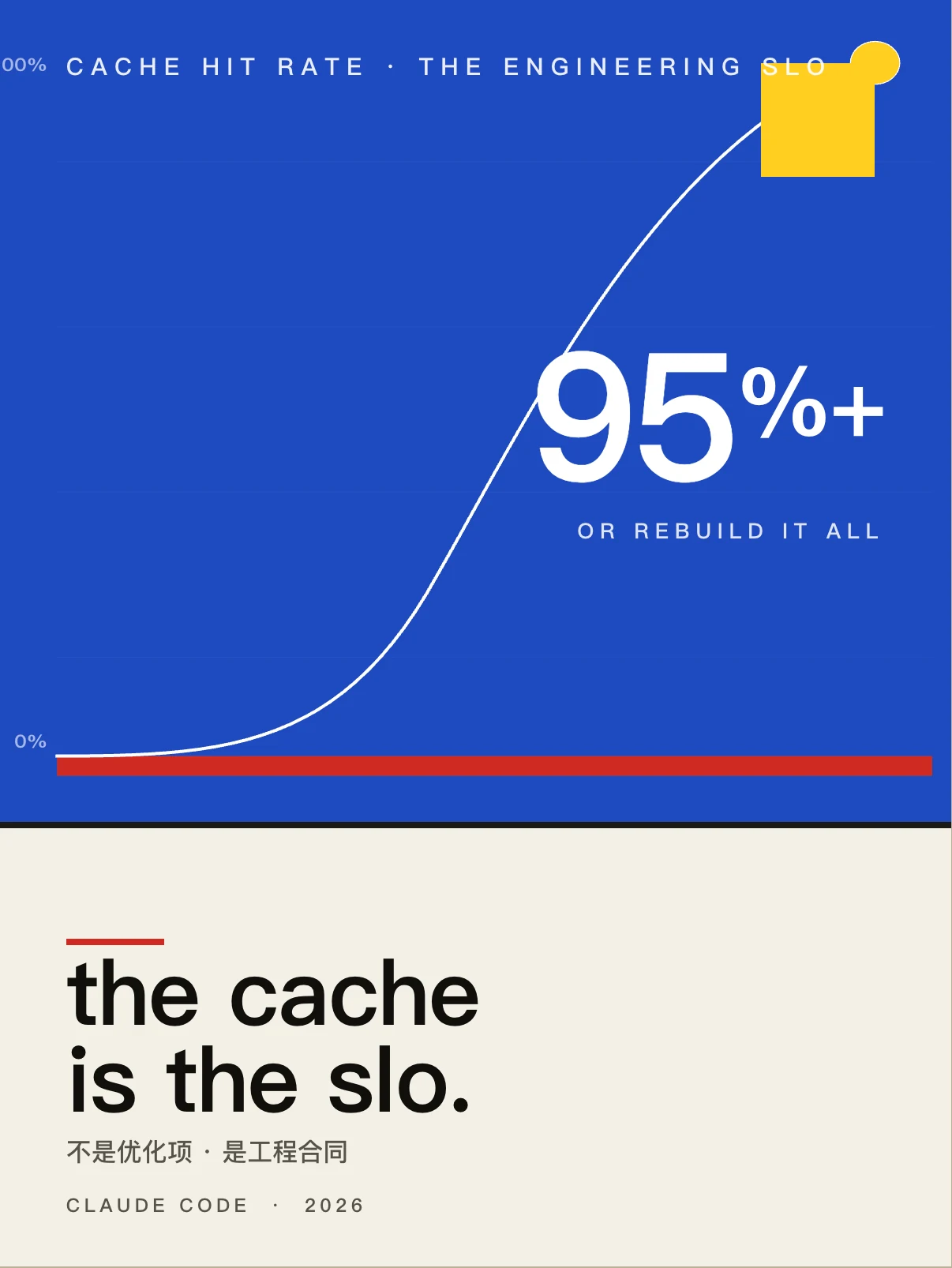 bayer |
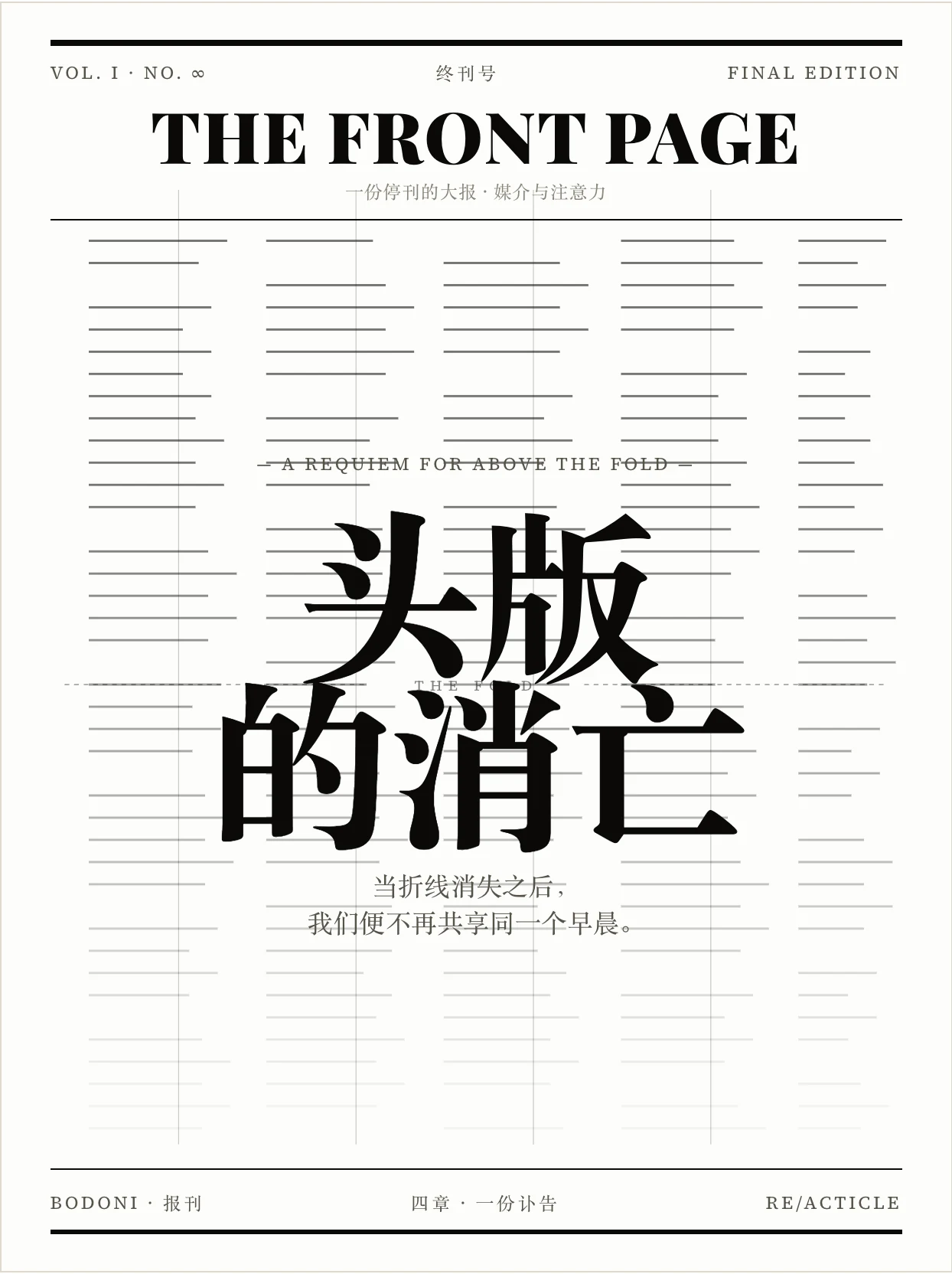 bodoni |
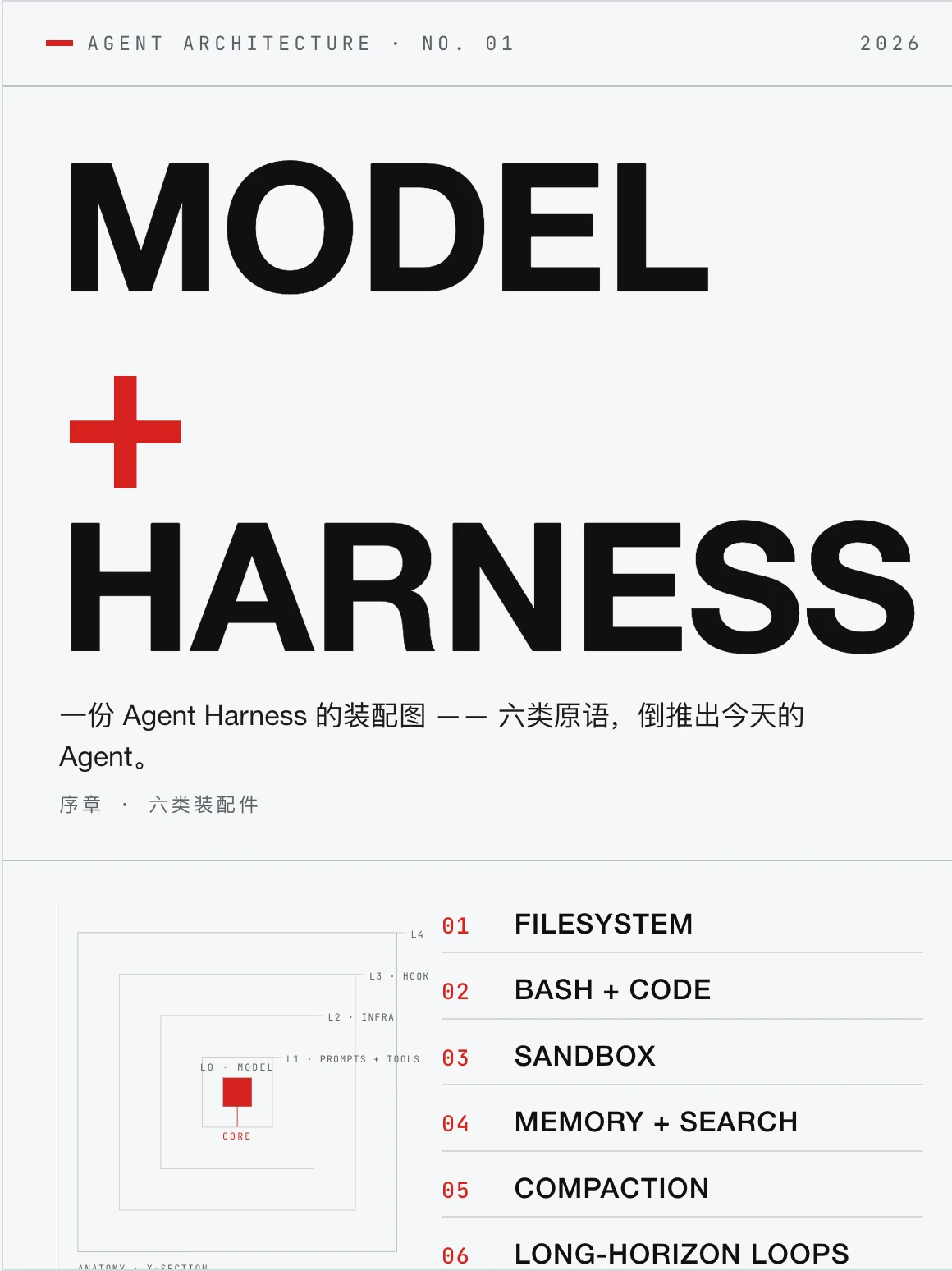 vignelli |
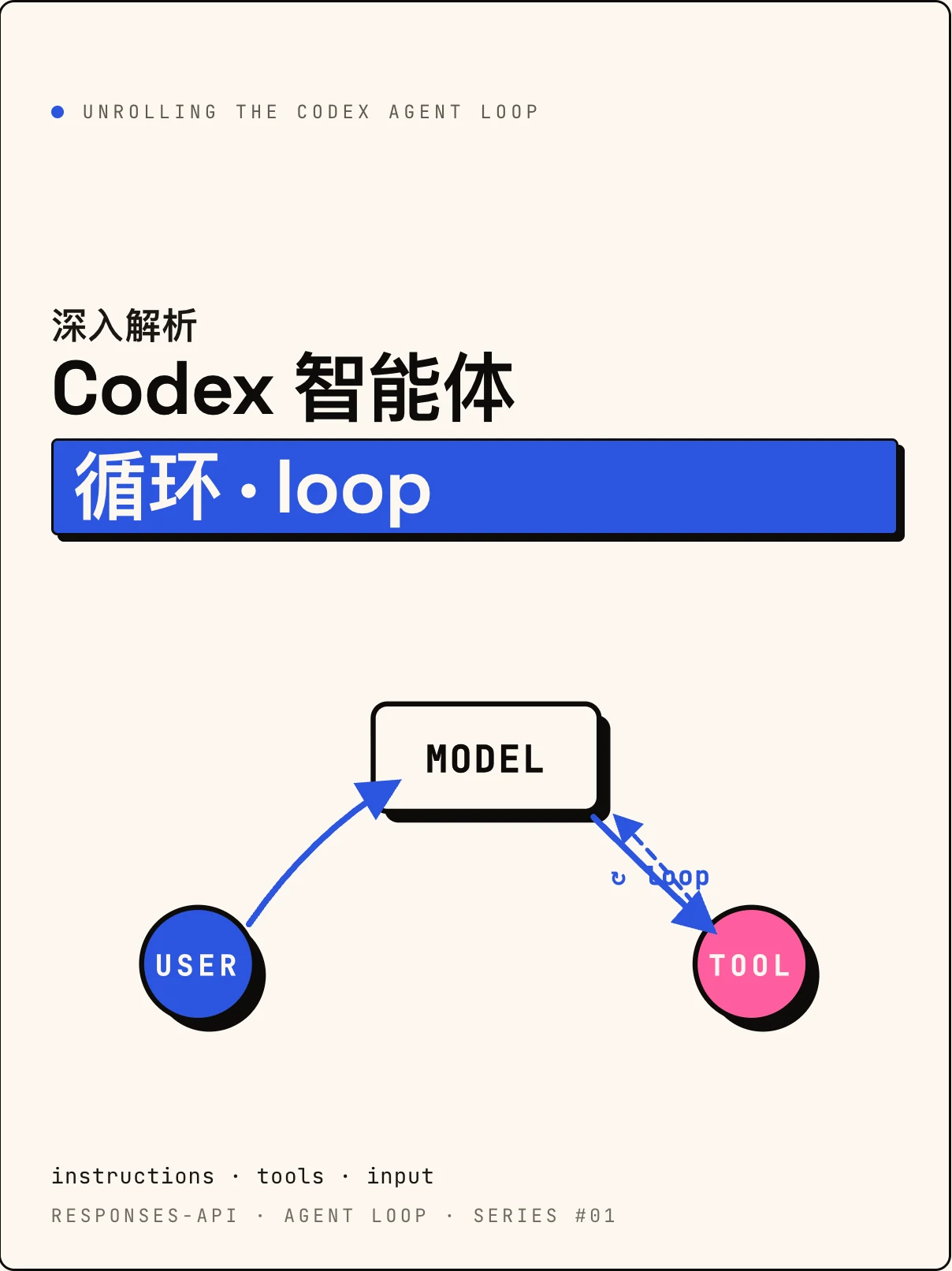 sottsass |
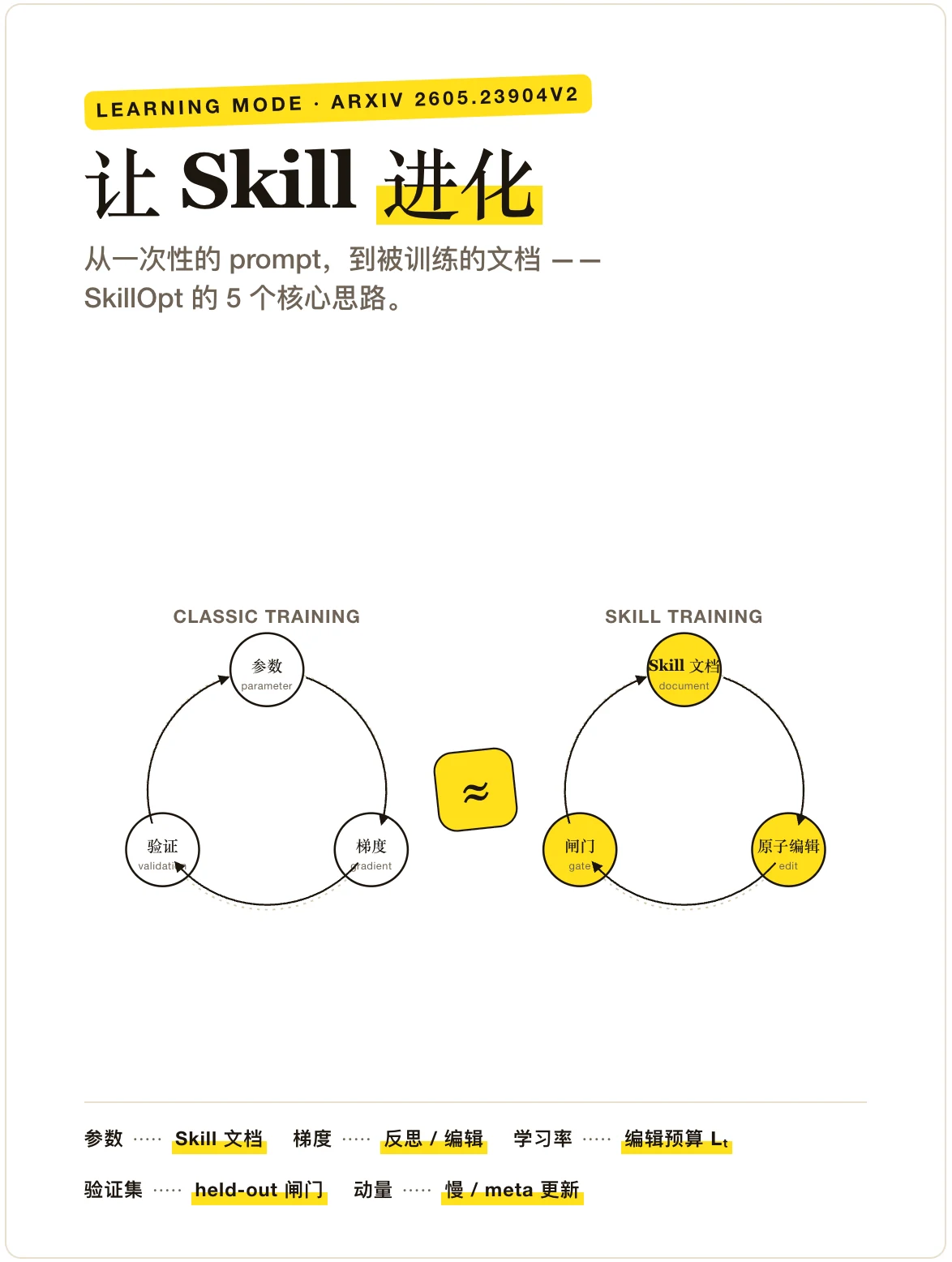 freddie |
 andy |
Links: README · SKILL.md · Download v0.1.0 .zip
kb-retriever
Category: Retrieval / Local Knowledge Base
Best for: answering questions from a local knowledge/ directory, searching structured documentation, and extracting evidence from Markdown, text, PDF, and Excel files without flooding the agent context.
kb-retriever is a local knowledge-base retriever built around careful, progressive search. Instead of loading whole files, it navigates hierarchical index files, narrows the candidate set, processes complex file types correctly, and answers with sources.
Highlights:
- Uses layered
data_structure.mdfiles to navigate the knowledge base before searching content - Enforces a learn-before-process rule for PDF and Excel files, using the included reference docs before extraction or analysis
- Combines precise keyword search, local windowed reads, synonyms, and iterative refinement
- Bounds retrieval to at most 5 search rounds so exploration stays controlled
- Includes workflows for
grep,pdftotext,pdfplumber, andpandas, with source-aware answer formatting
Links: README · SKILL.md · Download v1.0.1 .zip
Install
There are five supported install paths. Pick the one that fits your stack:
| # | Method | Best for | Pinned version? |
|---|---|---|---|
| A | skills CLI (npx skills add) |
Any agent, one-line install, pick & choose skills | ✅ via tag URL |
| B | Claude Code plugin marketplace | Claude Code users who want to subscribe to plugin packs | ✅ via marketplace version |
| C | Pinned .zip from GitHub Releases |
CI / air-gapped envs / reproducible installs | ✅ ✅ (immutable) |
| D | Manual copy after git clone |
Local hacking on the skill itself | ❌ (tracks main) |
| E | Git submodule | Vendored into a larger project, want upstream updates | ✅ via submodule SHA |
Each skill section above also has a
Download v<version> .ziplink in its "Links:" row that points at the current pinned release artifact. Those URLs are auto-rewritten byscripts/release/update-readme.mjson every release, so they always advertise the latest immutable version.
Option A · skills CLI (npx)
The fastest agent-agnostic path. Uses the standard npx skills CLI,
which auto-detects your agent (Claude Code, Cursor, Codex, etc.) and drops the
skill into the right directory.
# Install every skill in the collection (latest)
npx skills add ConardLi/garden-skills

# Install just one skill (latest)
npx skills add ConardLi/garden-skills -s web-design-engineer

# Install globally (~/.skills) instead of per-project (./.skills)
npx skills add ConardLi/garden-skills -s gpt-image-2 --global

# Target a specific agent
npx skills add ConardLi/garden-skills -s kb-retriever -a claude-code
Defaults to the latest commit on
main. That's what you want 95% of the time — the CLI tracks each skill's most recent publishedSKILL.mdstraight from the source tree.
Want a pinned version? (CI / production) Use a tag-scoped tree/ URL —
this points at the exact commit a release was cut from:
# Pin one skill to a specific release
npx skills add ConardLi/garden-skills/tree/web-design-engineer-v1.0.0/skills/web-design-engineer
For each skill, the current pinned .zip URL is also shown inline in its
"Links:" row above (the Download v<version> .zip link).
Useful sub-commands:
npx skills list                 # what's installed
npx skills find web-design      # search registries
npx skills update               # bump everything
npx skills remove kb-retriever  # uninstall
Option B · Claude Code plugin marketplace
If you use Claude Code, you can subscribe to the marketplace and install plugin packs that bundle one or more skills together:
/plugin marketplace add ConardLi/garden-skills
/plugin install presentation-skills@garden-skills
/plugin install web-design-skills@garden-skills
/plugin install knowledge-base-skills@garden-skills
/plugin install image-generation-skills@garden-skills
/plugin install motion-showreel-skills@garden-skills
/plugin install beautiful-article-skills@garden-skills
Plugin packs are declared in .claude-plugin/marketplace.json:
| Plugin pack | Skills included |
|---|---|
presentation-skills |
web-video-presentation |
web-design-skills |
web-design-engineer |
knowledge-base-skills |
kb-retriever |
image-generation-skills |
gpt-image-2 |
motion-showreel-skills |
motion-showreel |
beautiful-article-skills |
beautiful-article |
Option C · Pinned .zip from Releases
Every formal release publishes an immutable .zip (with a SHA-256 checksum) to
GitHub Releases. Pin to
this from CI, Dockerfiles, or air-gapped installers when you need the exact
bytes to never move under you.
# Replace <skill> and <version> with the version you want.
SKILL=web-design-engineer
VERSION=1.0.0

curl -fsSL -o "${SKILL}.zip" \
  "https://github.com/ConardLi/garden-skills/releases/download/${SKILL}-v${VERSION}/${SKILL}-${VERSION}.zip"

# Verify the checksum (highly recommended for unattended installs)
curl -fsSL -o "${SKILL}.zip.sha256" \
  "https://github.com/ConardLi/garden-skills/releases/download/${SKILL}-v${VERSION}/${SKILL}-${VERSION}.zip.sha256"
shasum -a 256 -c "${SKILL}.zip.sha256"

# Drop the folder into the agent's skills directory
unzip -q "${SKILL}.zip" -d .claude/skills/   # or .agents/skills/, .codex/skills/, ...
A floating "always-latest" URL is also available — useful for one-off installs:
https://github.com/ConardLi/garden-skills/releases/latest/download/<skill>-<version>.zip
Pinned URLs for every skill are listed inline in this README — see the "Download" line under each skill's "Links" entry above. They are kept in sync automatically by the release pipeline.
Option D · Manual copy into your project
Clone the repo and copy the skill folder you want — handy if you want to fork or hack on the skill itself.
git clone https://github.com/ConardLi/garden-skills.git
cp -r garden-skills/skills/web-design-engineer  your-project/.claude/skills/
# Cursor / generic agent:
cp -r garden-skills/skills/web-design-engineer  your-project/.agents/skills/
The agent discovers the skill the next time it scans the workspace.
Option E · Git submodule
For vendoring into a larger project where you want to track upstream updates:
git submodule add https://github.com/ConardLi/garden-skills.git vendor/garden-skills
ln -s ../../vendor/garden-skills/skills/web-design-engineer .claude/skills/web-design-engineer
Pin to a release tag for reproducibility:
cd vendor/garden-skills
git checkout web-design-engineer-v1.0.0
Compatibility
| Agent / Runtime | Skill location | Status |
|---|---|---|
| Claude Code | .claude/skills/<name>/ or via plugin marketplace |
✅ Tested |
| Claude.ai (web) | Settings → Capabilities → Skills | ✅ Tested |
| Cursor | .agents/skills/<name>/ |
✅ Tested |
| Codex CLI | .codex/skills/<name>/ |
✅ Tested |
| Gemini CLI | extension manifest | ✅ Tested |
| OpenCode | .opencode/skills/<name>/ |
✅ Tested |
The
SKILL.mdformat is portable by design — if your agent supports skills, copy the folder into the directory it scans, and it should work. PRs welcome to extend this matrix.
What is a Skill?
A Skill is a self-contained folder the agent can load on-demand. It's
just a SKILL.md (YAML frontmatter + instructions), optionally accompanied
by reference docs, scripts, and assets:
<skill-name>/
├── SKILL.md      ← required: when to use it + how to do it
├── README.md     ← human-facing docs
├── references/   ← optional: extended docs the agent loads on demand
├── scripts/      ← optional: deterministic executable helpers
└── assets/       ← optional: templates, fonts, icons
The agent decides whether to activate the skill from the description line
in the frontmatter — so the description is the contract between you and the
agent. For the full spec, see agentskills.io and
Anthropic's reference repository.
Contributing
Bug reports, new skills, and tooling improvements are all welcome.
The maintainer-facing docs — repository layout, release process, version
rules, CI workflow, troubleshooting — live in
CONTRIBUTING.md (中文).
Read that first if you want to add a skill or cut a release.
Quick orientation:
git clone https://github.com/ConardLi/garden-skills.git
cd garden-skills
npm run list      # show all skills + manifest status
npm run validate  # the same check CI runs on every PR
Acknowledgments
This collection stands on the shoulders of:
- Anthropic for the Agent Skills spec and the
anthropics/skillsreference repository. - Claude Design — the system prompt that inspired
web-design-engineer. The original is preserved indist/prompt/claude-design-system-prompt.mdfor reference. - The broader OSS skill community — see
travisvn/awesome-claude-skillsandobra/superpowersfor further discovery.
Connect
| 平台 | 账号名称 | 链接 |
|---|---|---|
| X/Twitter | code秘密花园 | https://x.com/GardenConardLi |
| B 站 | code秘密花园 | https://space.bilibili.com/474921808 |
| 抖音 | code秘密花园 | https://v.douyin.com/i5b33Xfv/ |
| YouTube | code秘密花园 | https://www.youtube.com/@garden-conard |
| 小红书 | code秘密花园 | https://www.xiaohongshu.com/user/profile/5af45e78f7e8b903d6e04618 |
| 公众号 | code秘密花园 | https://cdn.jsdelivr.net/gh/ConardLi/easy-dataset@main/public/imgs/weichat.jpg |
| GitHub | ConardLi | https://github.com/ConardLi |
| 个人网站 | Easy AI | https://mmh1.top |
License
Garden Skills
花园老师的开源 Agent Skills 集合,面向 Claude Code、Cursor、Codex 等所有支持 SKILL.md 格式的 AI 编程代理。
|
motion-showreel 代码渲染的短视频 |
web-video-presentation 网页视频 / 演示 |
|
web-design-engineer 设计 / 前端 |
gpt-image-2 图像生成 / Prompt |
|
beautiful-article 任意素材 → 一篇精美的文章 |
kb-retriever 本地知识库检索 |
目录
| 安装 | 使用 | 参与共建 |
|---|---|---|
安装skills CLI(npx)Claude Code 插件市场 Releases 钉版本 .zip手动拷贝 Git Submodule |
兼容性 什么是 Skill? |
贡献 致谢 许可证 |
motion-showreel
类别: 动态图形 / 代码视频
适合: 动效作品集、产品片、UI 动效、动态排版、Logo 片头、生成艺术、年代回顾和口播讲解。短片常见 5–60 秒,分章视频最长 20 分钟。
motion-showreel 输出 MP4 和可编辑源码。Agent 先确认主题、时长、横竖屏、BGM/音效各自来源与口播方式,再写 brief、确认风格帧。页面用 render(t) 逐帧渲染,画面与声音共用时间表。有口播时使用用户原稿 TTS 或用户录音,画面跟随真实语音,音乐和音效配合讲述;长片按章缓存、重建和验收。
亮点:
- 确定性的
render(t)管线:静帧、抽帧拼图、三方向对比、小样、正片都出自同一个页面;运动模糊、超采样、胶片颗粒都是渲染参数 - 画面和声音共用一张时间表:切点、撞击、音效用同一组数字;配乐可以用零依赖的内置合成器、带钢琴采样的 Tone.js,也可以按用户自己的曲子卡点(自动测拍点和 drop)
- 43 种风格的风格库,是起点不是选择题:瑞士编辑、水墨、孔版印刷、合成波、软萌 3D、电影片头、像素游戏、漫画分格、国潮纹样、油画笔触、白板手绘解说、数学/概念形变、泥金手抄本……每种都写明质感、运动、镜头语法和声音调色板,可以改造、混搭或自定义
- 先定声音方向,而不是套一首默认的曲子:brief 里写清声音对标、律动、和声、配器和戏剧曲线,并有一份声音「默认味」清单
- 两次确认:需求确认后写 brief,再确认风格帧(未定风格给 3 个方向),随后自主制作;放手模式保留审美自由
- 口播和长片:TTS 必须用用户原稿,支持 Gemini/MiniMax API 与用户录音时间戳;独立选择 BGM/音效来源,人声期间避让,最长 20 分钟按章构建
- 技术验收和审美判断分开:尺寸、帧率、时长、帧数、黑帧、响度、真峰值、循环接缝、确定性必须全部 PASS;审片记录交给用户终审
synthwave-neon专辑片头 |
soft-3d-toy连锁反应 |
stick ink游戏预告 |
cinematic-title电影片头 |
↑ 用这个 Skill 做的作品,各截 4 秒——打开作品展示,看全部作品(包括 Skill 自己的 80 秒宣传片)和风格画廊。
链接:README · SKILL.md · 下载 v0.1.0 .zip
web-video-presentation
类别: 网页视频 / 演示工程
适合: 把口播稿、文章、课程、产品演示和 talk 做成视频(网页模拟)。
web-video-presentation 用于构建适合录屏的 Vite + React + TypeScript 演示。它会把原始文章转成口播稿,把口播节拍映射成全屏视觉 step,在关键节点暂停让用户确认,并可在视觉 outline 确认后选择性合成口播音频。
亮点:
- 固定 1920×1080 舞台,并按视口缩放,适合稳定录屏
- 点击 / 键盘驱动
(chapter, step)游标,一个口播节拍对应一个视觉 step - 在稿子、主题、outline、开发模式和可选音频合成前设置硬 checkpoint
- 悬浮才出现的进度控制,录屏时画面保持干净
- 基于主题 token 的视觉架构,内置 23 套主题,每套独立设计签名,覆盖编辑、终端、工程、瑞士国际主义等多种风格
- 可插拔 TTS:provider-agnostic 音频 runner,内置 2 个 provider(MiniMax
mmx-cli+ OpenAI TTS via curl),并附带三函数契约 + ElevenLabs / edge-tts / Azure / Google Cloud / macOSsay的现成代码片段 - 脚手架产出 Vite + React + TypeScript 项目,并附带舞台原语与录屏指南
creative-voltage创意分享 |
blueprint技术架构 |
swiss-ikb数据汇报 |
chalk-garden科普讲解 |
↑ 23 套主题一览 —— 打开完整画廊,含真实预览图、设计签名与适合场景标签。
链接:README · SKILL.md · 下载 v1.2.2 .zip
web-design-engineer
类别: 设计 / 前端
适合: 网页、落地页、仪表盘、交互原型、HTML 幻灯片、动画、UI 样机、数据可视化和设计系统探索。
web-design-engineer 把 AI 生成的 Web 产物从“能用”推进到“精致、克制、真正有设计判断”。它把 Agent 当作设计工程师来约束:先理解产品上下文,再声明设计系统,尽早展示 v0,然后完整构建并验证结果。
亮点:
- 用五旋钮 Design Read 把 brief 转成构图变化、动效、密度、素材依赖与品牌保真决策
- 改动现有产品前先区分 Extension、Preserve 与 Overhaul
- 只有用户明确提出验收、QA 或浏览器测试时,才运行可执行浏览器验收 harness
- 用反 AI 俗套清单和更强的视觉判断,避免千篇一律的生成式 UI
- 内置 设计方向顾问(6 学派差异化推荐)+ 25 套有 anchor 的风格配方库(Linear / Aesop / Pentagram / Bloomberg / Stripe Press / Mid-Century 等),含可粘贴的 palette / typography / signature moves / 反模式
- 覆盖 HTML / CSS / JavaScript / React 原型,以及响应式布局、动效和交互细节
- 包含 inline React + Babel、CSS tokens、
oklch()配色、container queries、reduced-motion 等实现规则 - 提供高级模式参考,覆盖设备框、幻灯片引擎、动画时间线、仪表盘等常见 Web 产物
aesop药剂师页 |
muji-kenya-hara器物目录 |
monocle-magazine杂志目录 |
stripe-press书籍详情 |
bloomberg-terminal交易仪表盘 |
linear开发者落地页 |
vercel-mesh部署落地页 |
tufte-dataink数据叙事 |
mid-century-modern海报致敬 |
y2k-retrofuturismY2K 门户 |
businessweek-turley编辑封面 |
active-theory电影感发布 |
↑ 25 套有 anchor 的配方里挑出最具代表性的 12 套 —— 打开完整画廊,含全部 25 个真实作品(药剂师页、交易工作站、杂志封面、Y2K 门户、Mid-Century 海报……),含签名手法与适合场景标签。
链接:README · SKILL.md · Website · Demo · 下载 v1.3.0 .zip
gpt-image-2
类别: 图像生成 / Prompt 工程
适合: 海报、UI 样机、产品图、信息图、学术图、技术架构图、漫画、头像、分镜、品牌板和图像编辑工作流。
gpt-image-2 是面向 GPT Image 2 与 OpenAI 兼容图像接口的聚焦型图像生成 Skill。它能适配不同 Agent 环境:Garden 本地完整出图、委托宿主原生图像工具、或在没有图像工具时退化为纯提示词顾问。
亮点:
- 支持三种运行模式:Mode A Garden 本地生图、Mode B 委托宿主出图、Mode C 纯提示词顾问
- 每次任务先做模式探测,避免静默走错执行路径
- 在
references/下提供 18 大类、79 个结构化提示词模板 - 同时覆盖图像生成和图像编辑,并配套专门工作流与脚本
- Garden 模式下会把 prompt 与生成图片保存到
garden-gpt-image-2/,方便复用、审查和版本管理
精选线上案例
background-replacement人像背景替换与时代广场霓虹补光。 |
chat-interface-sceneClaude 风格 AI 助手产品截图。 |
live-commerce-ui明星直播带货产品界面。 |
product-card-overlay护肤落地页 Hero 主视觉。 |
bento-grid-infographiciPhone 16 Pro 高密度一图流解析。 |
system-architecture多租户 AI 客服 SaaS 生产架构。 |
dense-explainer-slidesAI Agent 工作机制一页讲清。 |
food-mapCity Walk 编辑型美食地图。 |
exploded-view-posterVision Pro 2 光机与算力模块拆解。 |
neural-network-architecture适合论文配图的 ViT-B/16 架构图。 |
cosmetic-packaging国货高端护肤礼盒与影棚主视觉。 |
anime-key-visual游戏首发 KV 与可裁切主视觉构图。 |
↑ 从 160+ 公开案例库里挑出的 12 个精选入口 —— 打开 Skill 案例画廊 查看更多模板,也可以直接浏览 线上案例站。
链接:README · SKILL.md · Website · 下载 v1.0.4 .zip
beautiful-article
类别: 编辑 · 任意素材 → 一篇精美的文章
适合: 把 URL / PDF / DOCX / Markdown / 纯文本 / 截图 / 粘贴材料编辑成一篇比原文更易读、更便于分享和归档的精美文章 —— 长文、briefing、解释文、教程、复盘、视觉随笔、对话访谈转写。
beautiful-article 是一个编辑型 harness Skill:它不只是"做个网页",而是把素材编辑、设计成一篇比原文更易读、更便于分享和归档的精美文章。整个 Skill 走一个 source → plan → 双确认 → 生成 → 终审 → 修复 小型流程,并在 3 个硬 checkpoint 暂停,让用户掌握文章类型 / 主题 / 版式 / 配图策略 / 封面 / 交付格式的最终控制权。
亮点:
- 首先是一篇文章 —— 注意力永远在"文章"本身:更好的阅读、更好的节奏、更好的美学。交付物是一份自包含的文件(HTML,可选 PDF),但那是交付细节、不是目标
- Reacticle 组件协议 —— prose-first 的语义组件(Hero / Lead / Section / Quote / Callout / Image / Formula / CodeBlock / Table…)+ 仅允许主题 token 的
Raw自由层;底层 React 组件库见ConardLi/reacticle - 10 种文章类型 + 推荐保留比例打包 ——
longform · ~100%/tutorial · ~90%/full-report · ~80%/explainer · ~80%/dialogue · ~80%/review · ~70%/essay · ~70%/briefing · ~50%/visual-essay · ~40%/interactive-explainer · ~25% 摘录 + 75% AI 重构 - 11 套主题 authoring profile(
tufte、press、bayer、bodoni、vignelli、sottsass、freddie、andy、fuller、knuth、shannon)—— 每套是给 Agent 看的 Markdown 契约,不是 CSS 文件 - 硬协作 checkpoint,每项决策独立确认(禁止静默替用户选择),自带 3:4 书封封面、TOC 默认开、目标语言地道翻译
- 分节点质检协议 —— Plan 主 Agent 内联自查、First Spread / Section / Final 用 sub-agent reviewer,修复走最小切片
主题预览
tufte |
press |
bayer |
bodoni |
vignelli |
sottsass |
freddie |
andy |
链接:README · SKILL.md · 下载 v0.1.0 .zip
kb-retriever
类别: 检索 / 本地知识库
适合: 从本地 knowledge/ 目录回答问题,检索结构化文档,并在不撑爆上下文的前提下从 Markdown、文本、PDF、Excel 中提取证据。
kb-retriever 是一个本地知识库检索 Skill,核心是谨慎、渐进、可溯源。它不会直接加载整文件,而是先走分层索引,缩小候选范围,按文件类型正确处理,再带来源回答问题。
亮点:
- 通过分层
data_structure.md文件先导航知识库,再进入内容检索 - 对 PDF 和 Excel 强制执行 先学习再处理,必须先阅读内置 reference 文档
- 组合关键词检索、局部窗口读取、同义词扩展和多轮迭代
- 最多 5 轮检索,让探索过程有边界
- 内置
grep、pdftotext、pdfplumber、pandas工作流,并强调答案来源
链接:README · SKILL.md · 下载 v1.0.1 .zip
安装
总共支持 5 种安装方式,按你的工作流选一个即可:
| # | 方式 | 适合场景 | 能钉版本? |
|---|---|---|---|
| A | skills CLI(npx skills add) |
任意 Agent,一行命令,可挑选单个 Skill | ✅ 通过 tag URL |
| B | Claude Code 插件市场 | Claude Code 用户、订阅插件包 | ✅ 通过市场版本 |
| C | Releases 钉版本 .zip |
CI / 内网 / 可复现安装 | ✅ ✅(不可变) |
| D | git clone 后手动拷贝 |
本地 hack / 想自己魔改 | ❌(跟随 main) |
| E | Git Submodule | 嵌进更大项目,需要随上游升级 | ✅ 通过 submodule SHA |
上面每个 Skill 的"链接"那一行末尾,都有一个
下载 v<版本> .zip链接, 指向该 Skill 当前的钉版本发布产物。这些 URL 由scripts/release/update-readme.mjs在每次发版后自动重写,永远指向最新的不可变版本。
方式 A · skills CLI(npx)
最快的、跨 Agent 通用的方式。直接使用社区标准的
npx skills CLI,它会自动识别你正在用
的 Agent(Claude Code / Cursor / Codex / …)并把 Skill 放到对的目录。
# 一次装上整个仓库(全部 Skill),最新
npx skills add ConardLi/garden-skills

# 只装某一个 Skill,最新
npx skills add ConardLi/garden-skills -s web-design-engineer

# 装到全局 (~/.skills) 而不是当前项目 (./.skills)
npx skills add ConardLi/garden-skills -s gpt-image-2 --global

# 指定目标 Agent
npx skills add ConardLi/garden-skills -s kb-retriever -a claude-code
默认就是
main上的最新版本,95% 的场景这就是你想要的——CLI 直接从源码 树拉每个 Skill 当前的SKILL.md。
想钉版本?(CI / 生产环境) 用带 tag 的 tree/ URL,会指向某次 release
对应的那次提交:
# 把某个 Skill 钉到具体的 release
npx skills add ConardLi/garden-skills/tree/web-design-engineer-v1.0.0/skills/web-design-engineer
每个 Skill 当前的钉版本 .zip URL 也直接挂在了上面"链接"那一行末尾的
下载 v<版本> .zip 链接里。
常用子命令:
npx skills list                 # 看已安装了什么
npx skills find web-design      # 在仓库内搜索
npx skills update               # 全部升级
npx skills remove kb-retriever  # 卸载
方式 B · Claude Code 插件市场
如果你用 Claude Code,可以 订阅插件市场,按"包"安装一组相关的 Skill:
/plugin marketplace add ConardLi/garden-skills
/plugin install presentation-skills@garden-skills
/plugin install web-design-skills@garden-skills
/plugin install knowledge-base-skills@garden-skills
/plugin install image-generation-skills@garden-skills
/plugin install motion-showreel-skills@garden-skills
/plugin install beautiful-article-skills@garden-skills
插件包定义在 .claude-plugin/marketplace.json:
| 插件包 | 包含的 Skills |
|---|---|
presentation-skills |
web-video-presentation |
web-design-skills |
web-design-engineer |
knowledge-base-skills |
kb-retriever |
image-generation-skills |
gpt-image-2 |
motion-showreel-skills |
motion-showreel |
beautiful-article-skills |
beautiful-article |
方式 C · Releases 钉版本 .zip
每次正式发版都会把对应 Skill 打包成一个不可变的 .zip(附带
SHA-256 校验文件)发到
GitHub Releases。
适合 CI、Dockerfile、内网部署等需要"字节级可复现"的场景。
# 把 <skill> / <version> 替换成你要的版本即可
SKILL=web-design-engineer
VERSION=1.0.0

curl -fsSL -o "${SKILL}.zip" \
  "https://github.com/ConardLi/garden-skills/releases/download/${SKILL}-v${VERSION}/${SKILL}-${VERSION}.zip"

# 校验 SHA-256(无人值守安装时强烈建议)
curl -fsSL -o "${SKILL}.zip.sha256" \
  "https://github.com/ConardLi/garden-skills/releases/download/${SKILL}-v${VERSION}/${SKILL}-${VERSION}.zip.sha256"
shasum -a 256 -c "${SKILL}.zip.sha256"

# 解压到 Agent 的 skills 目录
unzip -q "${SKILL}.zip" -d .claude/skills/   # 或 .agents/skills/、.codex/skills/ 等
如果你只想"永远拿最新",也有一个跟着最近一次 release 走的 URL:
https://github.com/ConardLi/garden-skills/releases/latest/download/<skill>-<version>.zip
每个 Skill 当前版本的钉版本 URL 都直接列在 README 里——见上面每个 Skill 区块"链接"那一行下面的"下载"块。这些链接由发布流水线自动同步。
方式 D · 手动拷贝到项目
git clone 整仓后再拷贝你要的 Skill。适合本地 fork、二次开发场景:
git clone https://github.com/ConardLi/garden-skills.git
cp -r garden-skills/skills/web-design-engineer  your-project/.claude/skills/
# Cursor / 通用 Agent:
cp -r garden-skills/skills/web-design-engineer  your-project/.agents/skills/
Agent 在下次扫描工作区时会自动发现。
方式 E · Git Submodule
如果你想在更大的项目里把本仓库作为依赖来跟踪上游更新:
git submodule add https://github.com/ConardLi/garden-skills.git vendor/garden-skills
ln -s ../../vendor/garden-skills/skills/web-design-engineer .claude/skills/web-design-engineer
为了可复现,建议把 submodule 钉到某个 release tag:
cd vendor/garden-skills
git checkout web-design-engineer-v1.0.0
兼容性
| Agent / Runtime | Skill 路径 | 状态 |
|---|---|---|
| Claude Code | .claude/skills/<name>/ 或走插件市场 |
✅ 已验证 |
| Claude.ai(网页端) | Settings → Capabilities → Skills | ✅ 已验证 |
| Cursor | .agents/skills/<name>/ |
✅ 已验证 |
| Codex CLI | .codex/skills/<name>/ |
✅ 已验证 |
| Gemini CLI | extension manifest | ✅ 已验证 |
| OpenCode | .opencode/skills/<name>/ |
✅ 已验证 |
SKILL.md格式本身是可移植的——只要你的 Agent 支持 Skill 体系,把文件夹放进它扫描的目录就行。欢迎 PR 扩充这张表。
什么是 Skill?
Skill 就是 Agent 可以按需加载的一个自包含文件夹。它的核心是一个
SKILL.md(YAML frontmatter + 指令),按需配上 reference 文档、脚本和素材:
<skill-name>/
├── SKILL.md      ← 必需:什么时候用 + 怎么用
├── README.md     ← 给人看的文档
├── references/   ← 可选:Agent 按需加载的扩展文档
├── scripts/      ← 可选:确定性的可执行代码
└── assets/       ← 可选:模板、字体、图标等
Agent 会根据 frontmatter 里的 description 决定要不要激活这个 Skill——
所以 description 就是你和 Agent 之间的契约。完整规范见
agentskills.io 与
Anthropic 官方示例仓库。
贡献
欢迎提 issue、贡献新的 Skill、或者改进发版工具链。
维护者向的文档——仓库结构、发版流程、版本号规则、CI 工作流、常见问题——
都在 CONTRIBUTING.zh-CN.md
(English)。新增 Skill 或者发版前先读那份。
快速上手:
git clone https://github.com/ConardLi/garden-skills.git
cd garden-skills
npm run list      # 列出所有 Skill + manifest 状态
npm run validate  # 跑一遍和 PR CI 完全一样的检查
致谢
本集合站在以下工作的肩膀上:
- Anthropic —— Agent Skills 规范 和
anthropics/skills参考仓库。 - Claude Design ——
web-design-engineer的灵感来源,原系统提示词保留在dist/prompt/claude-design-system-prompt.md供参考。 - 更广义的 OSS Skill 社区——延伸阅读:
travisvn/awesome-claude-skills和obra/superpowers。
Connect
| 平台 | 账号名称 | 链接 |
|---|---|---|
| X/Twitter | code秘密花园 | https://x.com/GardenConardLi |
| B 站 | code秘密花园 | https://space.bilibili.com/474921808 |
| 抖音 | code秘密花园 | https://v.douyin.com/i5b33Xfv/ |
| YouTube | code秘密花园 | https://www.youtube.com/@garden-conard |
| 小红书 | code秘密花园 | https://www.xiaohongshu.com/user/profile/5af45e78f7e8b903d6e04618 |
| 公众号 | code秘密花园 | https://cdn.jsdelivr.net/gh/ConardLi/easy-dataset@main/public/imgs/weichat.jpg |
| GitHub | ConardLi | https://github.com/ConardLi |
| 个人网站 | Easy AI | https://mmh1.top |