orca
管理多个编程 Agent 的工作空间,可使用自己的模型订阅,在桌面、移动端和远程运行环境中开展任务。
中文简介经编辑校订 · ade / agent-ide / ai-agents / automation / bot / claude-code
README / 项目原文
 Orca
Orca





中文 · 日本語 · 한국어 · Español · Français · Português
The AI Orchestrator for 100x builders.
Run Codex, ClaudeCode, OpenCode or Pi side-by-side — each in its own worktree, tracked in one place.
Download Orca
Features
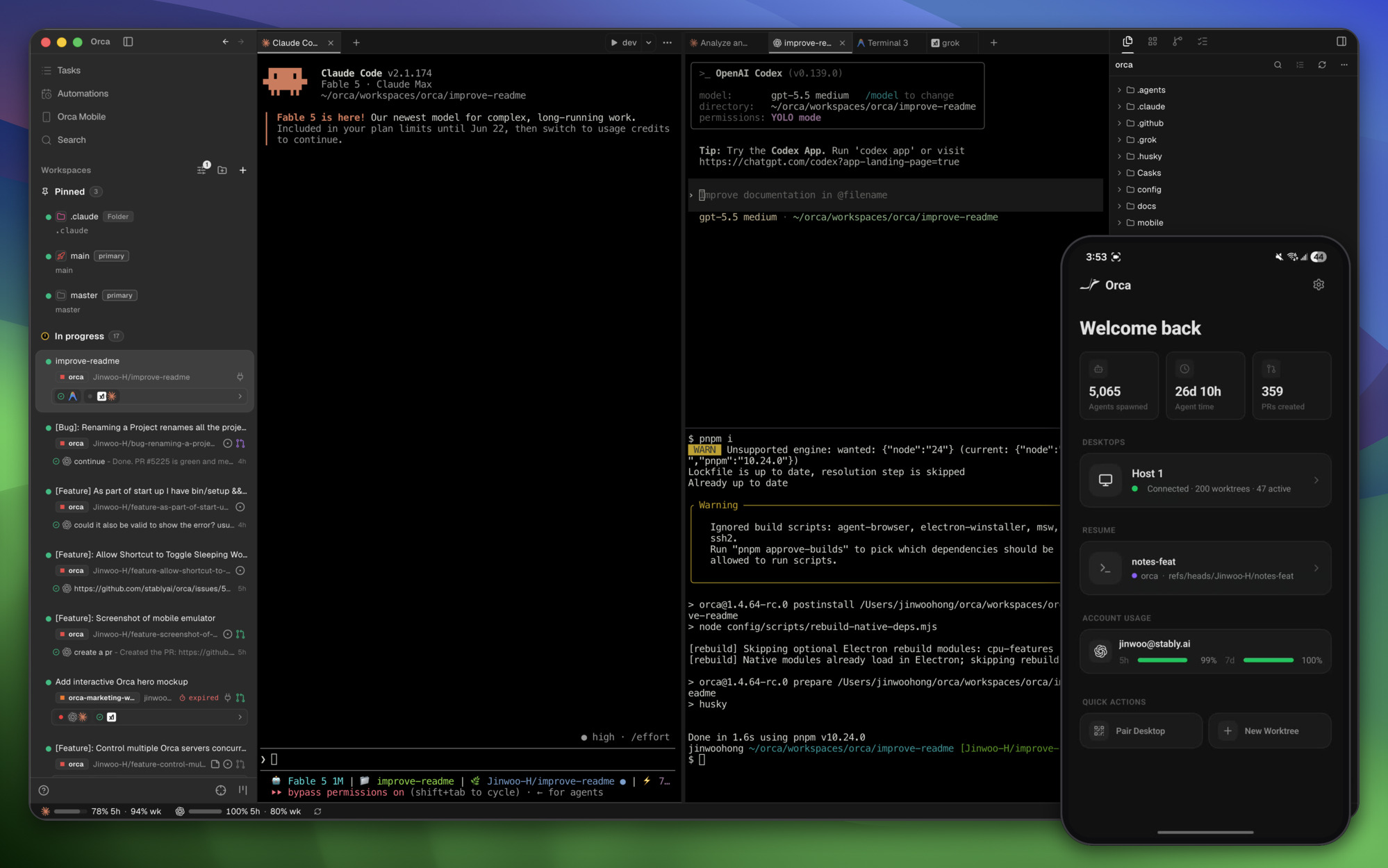
Mobile CompanionMonitor and steer your agents from your phone — get notified when an agent finishes and send follow-ups from anywhere. |
|
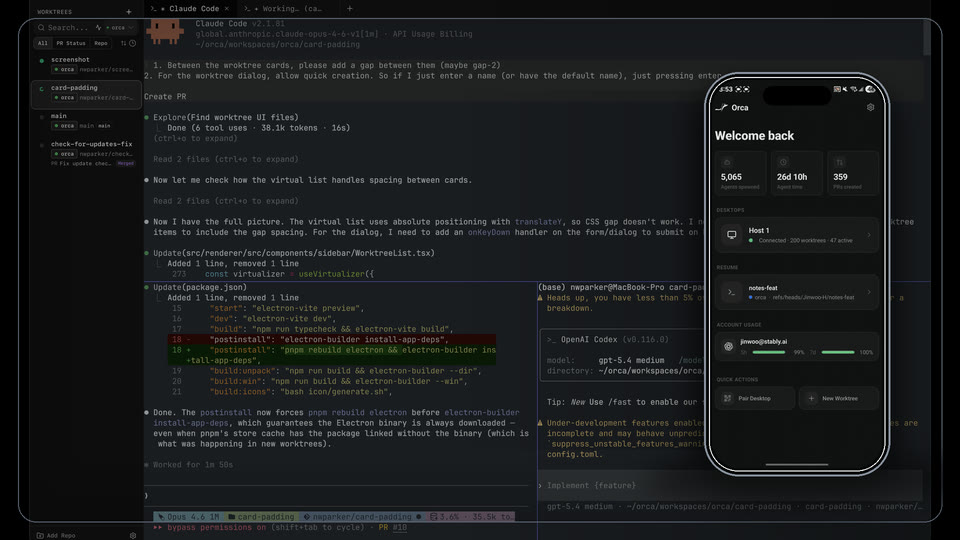
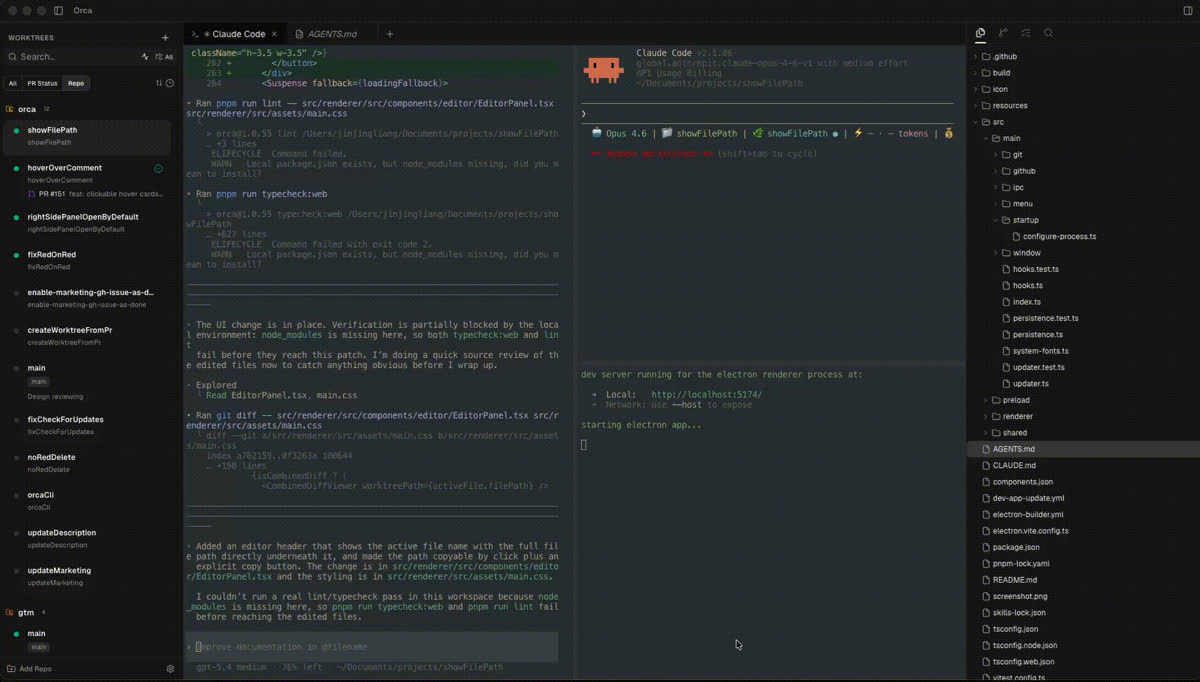
Parallel WorktreesFan one prompt across five agents, each in its own isolated git worktree — compare the results and merge the winner. |
|
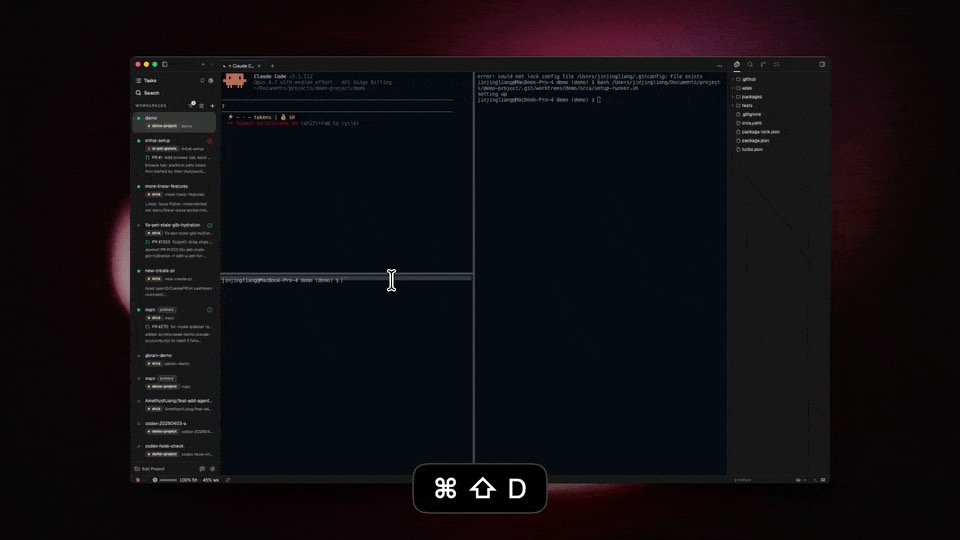
Terminal SplitsGhostty-class terminals with WebGL rendering, infinite splits, and scrollback that survives restarts. |
|
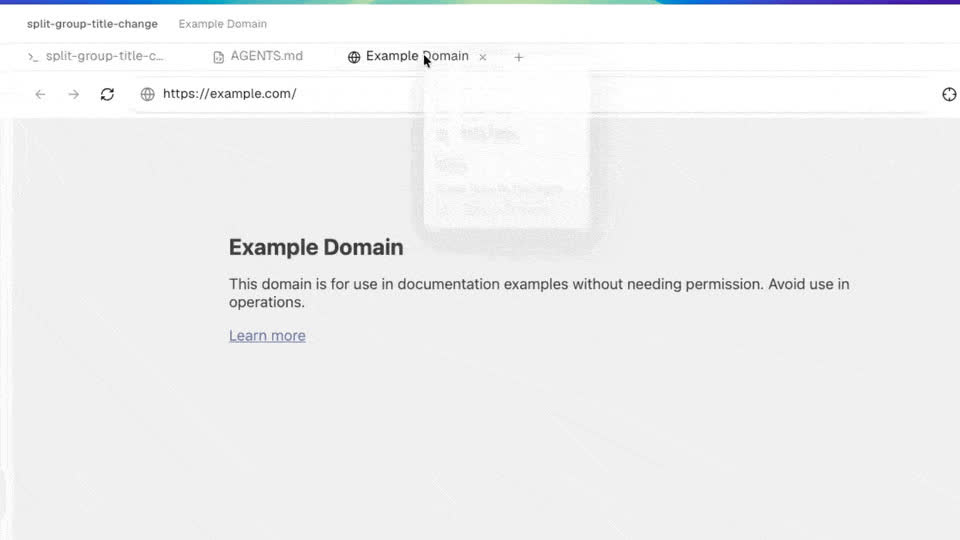
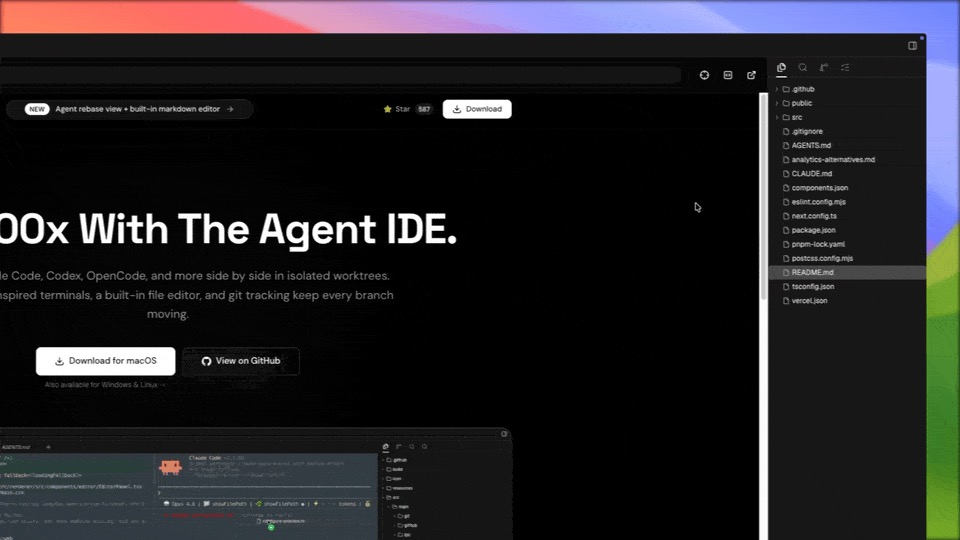
Design ModeClick any UI element in a real Chromium window to send its HTML, CSS, and a cropped screenshot straight into your agent's prompt. |
|
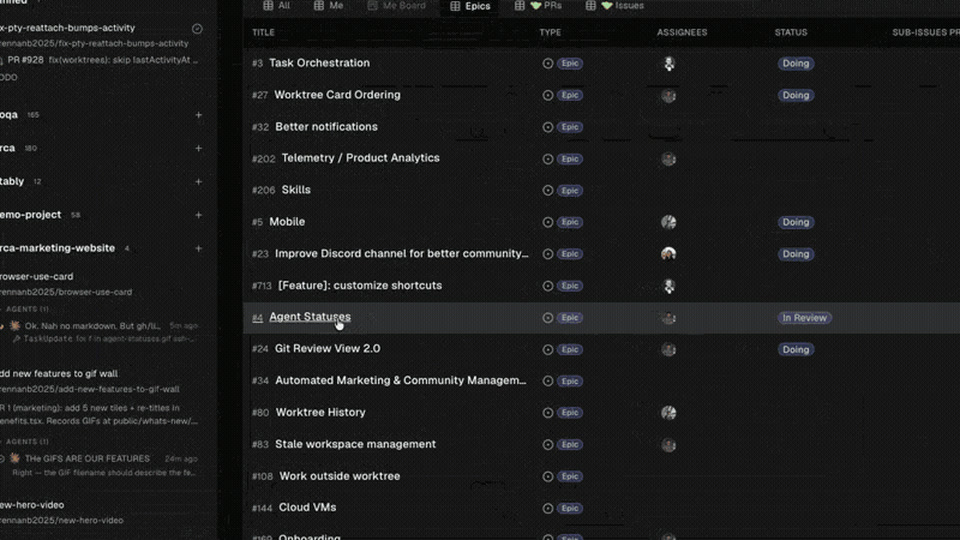
GitHub & Linear, NativeBrowse PRs, issues, and project boards in-app — open a worktree from any task and review without a context switch. |
|
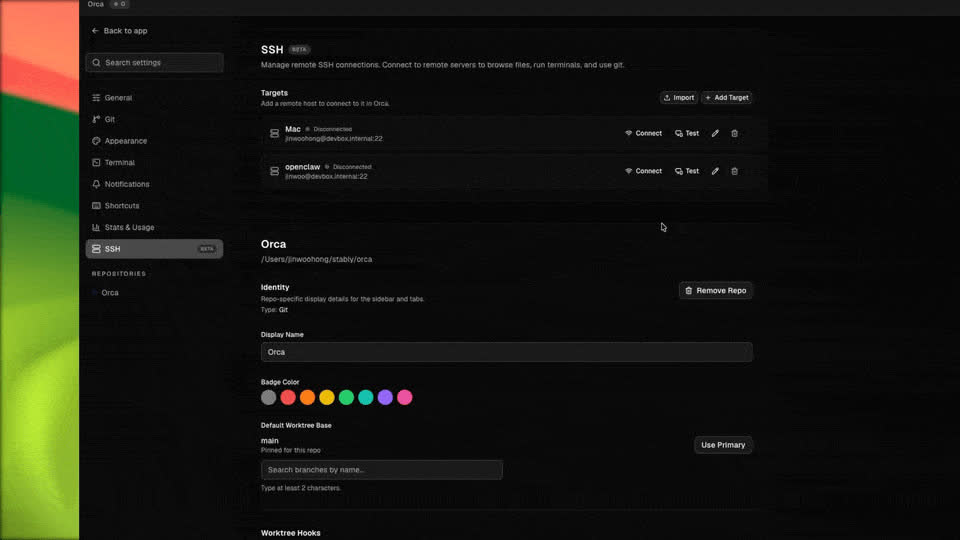
SSH WorktreesRun agents on a beefy remote box with full file editing, git, and terminals — auto-reconnect and port forwarding included. |
|
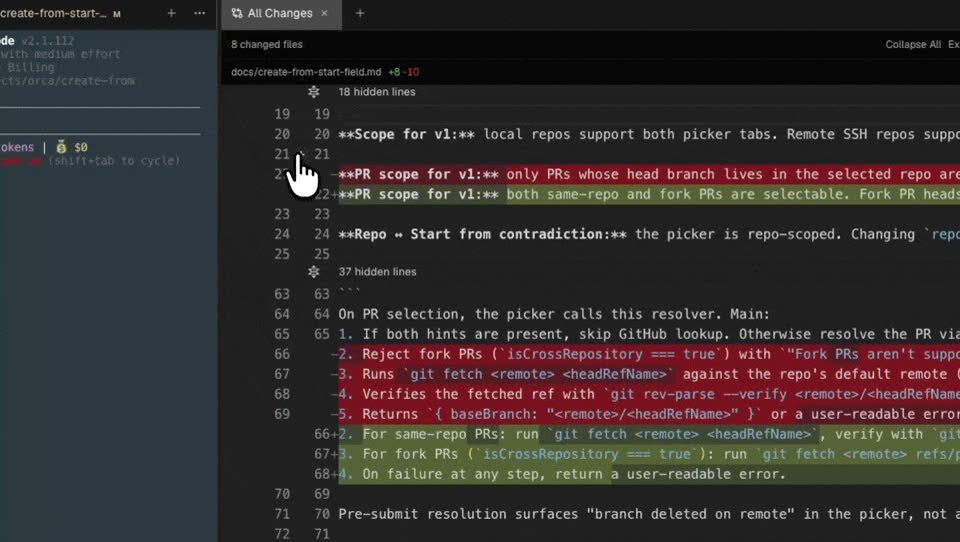
Annotate AI DiffsDrop comments on any diff line and ship them back to the agent — review, edit, and commit without leaving Orca. |
|
Drag Files to AgentsVS Code's editor with autosave everywhere — drag files or images straight into an agent prompt. |
|
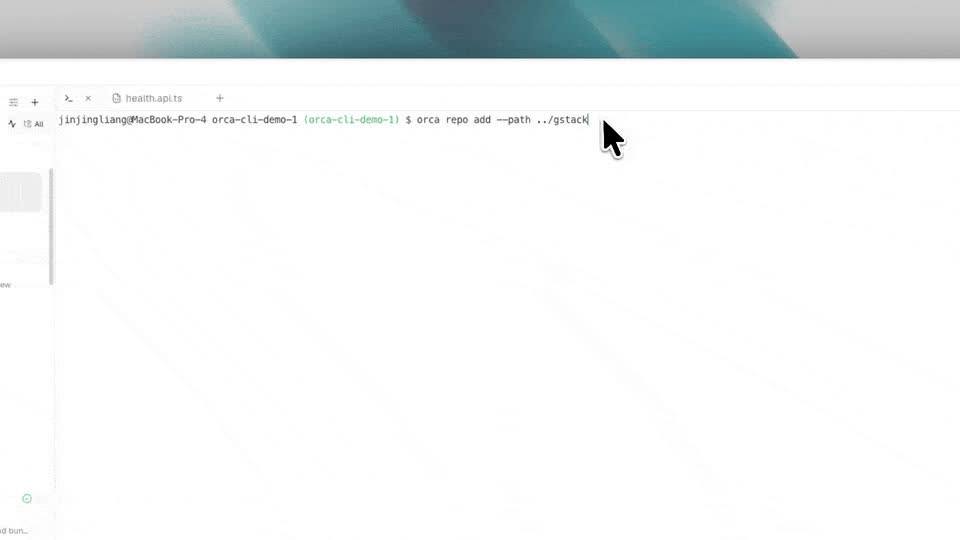
Orca CLIAgents drive Orca too — script every workflow with |
|
Also in the box:
- Quick open — Search across worktrees, files, agents, commands, and repo context without leaving your flow.
- Account switcher & usage tracking — See Claude and Codex usage and rate-limit resets, and hot-swap accounts without re-logging in.
- Rich repo previews — Preview Markdown, images, PDFs, and repo docs in the workspace.
- Computer Use — Let agents operate desktop apps and visible UI when a workflow needs real interaction.
- Notifications and unread state — Know when an agent finishes or needs attention, then mark threads unread to come back later.
- And many, many more — we ship daily, so this list is perpetually behind. The changelog is the real feature list.
Supported Agents
Works with any CLI agent — if it runs in a terminal, it runs in Orca.
 Claude Code
Codex
Grok
Cursor
GitHub Copilot
 Muse
Muse
 DeepSeek Harness
 ZCode
ZCode
OpenCode
MiMo Code
Amp
 OpenClaude
Antigravity
 Pi
Pi
 oh-my-pi
Hermes Agent
Devin
Goose
Auggie
Autohand Code
Charm
Cline
CodeBuddy
Codebuff
 Freebuff
Command Code
Continue
 Droid
Droid
 Kilocode
Kimi
Kiro
Mistral Vibe
Qwen Code
Rovo Dev
+ any CLI agent
Install
Desktop — macOS, Windows, Linux
- Download from onOrca.dev
- Or grab a build directly: macOS Apple Silicon · macOS Intel · Windows (.exe) · Linux AppImage · All builds
Or via a package manager:
# macOS (Homebrew)
brew install --cask stablyai/orca/orca

# Arch Linux (AUR) — or stably-orca-git to build from source
yay -S stably-orca-bin
Mobile Companion — iOS, Android
Pair with your desktop app to monitor and steer your agents from your phone.
- iOS: Download on the App Store
- Android: Download APK · Install guide
Community & Support
Discord: Join the community on Discord.
Twitter / X: Follow @orca_build for updates and announcements.
WeChat: Group 12 is full. Scan to join the Orca community WeChat group 13.
Feedback & Ideas: We ship fast. Missing something? Request a new feature.
Privacy: See the privacy & telemetry docs for what anonymous usage data Orca collects and how to opt out.
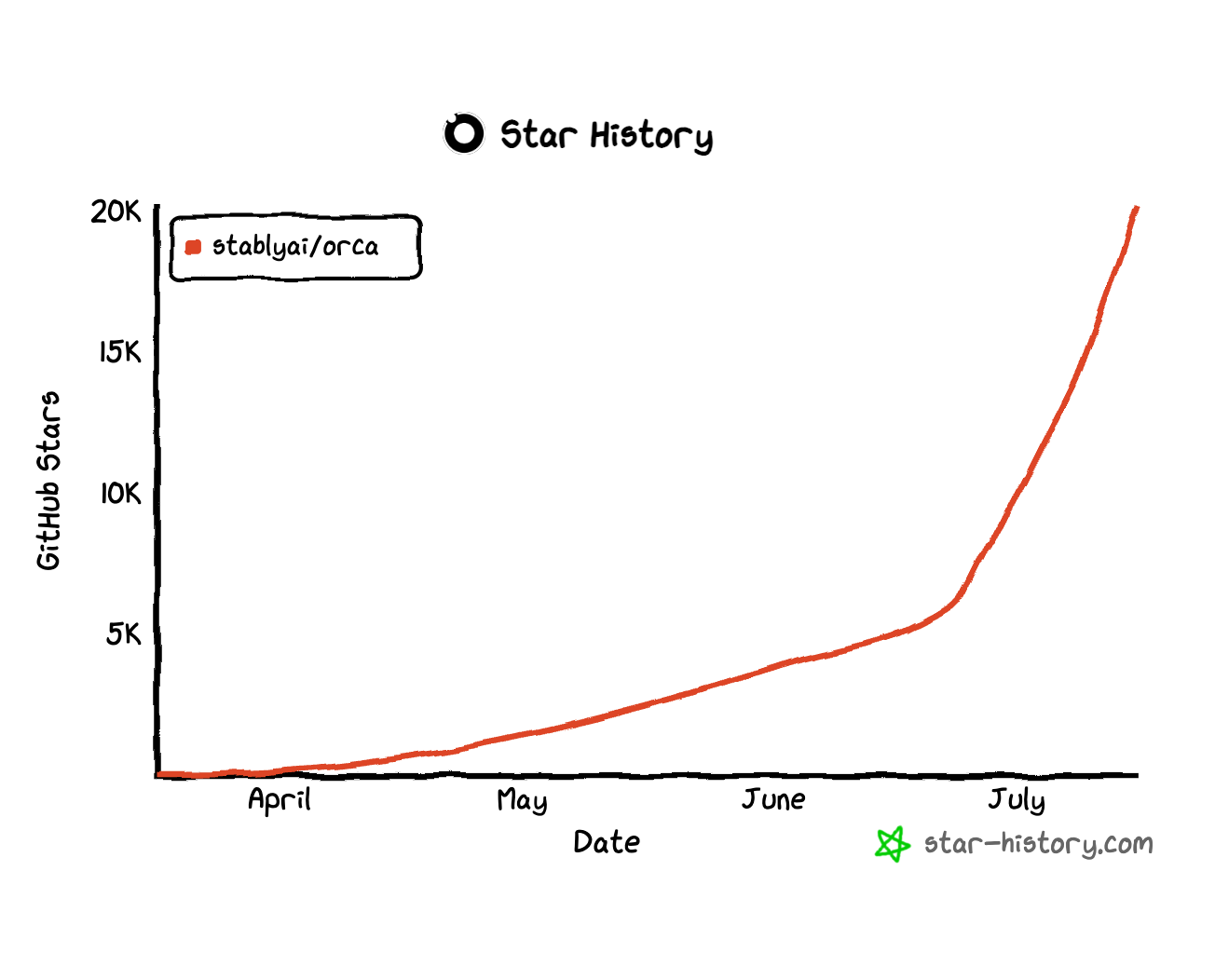
Show Support: Star this repo to follow along with our daily ships.
Developing
Want to contribute or run locally? See our CONTRIBUTING.md guide.
The relay that pairs the mobile app with a desktop host is also in this repository under
cloud/, with a separate pnpm workspace and setup guide.
Signed Builds
Windows code signing sponored/provided by SignPath.io, certificate by SignPath Foundation.
License
Orca is free and open source under the MIT License.
Orca
English · 日本語 · 한국어 · Español · Français · Português
面向 100x 构建者的 AI 编排器。
并排运行 Codex、Claude Code、OpenCode 或 Pi — 每个都在自己的 worktree 中运行,并在一个地方统一跟踪。
下载 Orca
特性
移动 Companion 应用用手机监控并指挥你的智能体 — 智能体完成时收到通知,随时随地发送后续指令。 |
|
并行 Worktree把一个提示同时分发给五个智能体,每个都在自己隔离的 git worktree 中运行 — 比较结果,合并最佳方案。 |
|
终端分屏Ghostty 级终端,支持 WebGL 渲染、无限分屏,以及重启后依然保留的滚动历史。 |
|
设计模式在真实的 Chromium 窗口中点击任意 UI 元素,把它的 HTML、CSS 和裁剪好的截图直接发送到智能体的提示中。 |
|
GitHub & Linear 原生集成在应用内浏览 PR、issue 和项目看板 — 从任意任务打开 worktree,无需切换上下文即可完成评审。 |
|
SSH Worktree在高性能远程机器上运行智能体,完整支持文件编辑、git 和终端 — 自动重连与端口转发一应俱全。 |
|
标注 AI Diff在任意 diff 行上添加评论并发回给智能体 — 评审、编辑、提交,全程无需离开 Orca。 |
|
拖文件给智能体VS Code 的编辑器,处处自动保存 — 把文件或图片直接拖入智能体提示。 |
|
Orca CLI智能体也能驱动 Orca — 用 |
|
开箱即用的还有:
- 快速打开 — 在 worktree、文件、智能体、命令和仓库上下文之间搜索,不打断你的心流。
- 账号切换与用量追踪 — 查看 Claude 和 Codex 的用量与限额重置时间,并且无需重新登录即可热切换账号。
- 丰富仓库预览 — 在工作区中预览 Markdown、图片、PDF 和仓库文档。
- Computer Use — 当工作流需要真实交互时,让智能体操作桌面应用和可见 UI。
- 通知与未读状态 — 第一时间知道智能体何时完成或需要关注,并可将会话标记为未读,稍后再回来处理。
- 还有很多很多 — 我们每天发布新功能,这个列表永远跟不上。更新日志才是真正的功能列表。
支持的智能体
适配任何 CLI 智能体 — 只要能在终端里运行,就能在 Orca 里运行。
Claude Code
Codex
Grok
Cursor
GitHub Copilot
Muse
DeepSeek Harness
ZCode
OpenCode
Amp
OpenClaude
Antigravity
Pi
oh-my-pi
Hermes Agent
Goose
Auggie
Autohand Code
Charm
Cline
Codebuff
Freebuff
Command Code
Continue
Droid
Kilocode
Kimi
Kiro
Mistral Vibe
Qwen Code
Rovo Dev
+ 任何 CLI 智能体
安装
桌面端 — macOS、Windows、Linux
- 从 onOrca.dev 下载
- 或直接获取安装包:macOS Apple Silicon · macOS Intel · Windows (.exe) · Linux AppImage · 全部构建
也可以通过包管理器安装:
# macOS (Homebrew)
brew install --cask stablyai/orca/orca

# Arch Linux (AUR) — or stably-orca-git to build from source
yay -S stably-orca-bin
移动 Companion 应用 — iOS、Android
与桌面应用配对,用手机监控并指挥你的智能体。
- iOS: 从 App Store 下载
- Android: 下载 APK
社区与支持
Discord: 加入 Discord 社区。
Twitter / X: 关注 @orca_build 获取更新和公告。
微信: 第 11 群已满。扫码加入 Orca 社区微信第 12 群。

反馈与想法: 我们发布很快。缺少什么功能?提交功能请求。
隐私: 查看隐私与遥测文档,了解 Orca 收集哪些匿名使用数据以及如何退出。
支持我们: 给这个仓库点 Star,关注我们的日常发布。
开发
想要贡献代码或在本地运行?请参阅我们的 CONTRIBUTING.md 指南。
许可证
Orca 是自由且开源的软件,遵循 MIT 许可证。